
[Resolved] Quick Find View is not Working or Loading in Dataverse Model Driven APP

When you work with Dataverse Data Modelling for tables, you sometimes edit Quick Find View but you will not see the Quick Find View when you search. Follow the below steps to resolve.
Step -1 : Enable Setting
navigate to Power Platform Admin Center of the selected environment and select the environment then go to Settings.
Select Features and find out the feature called as “Use quick find view of an entity for searching on grids and sub-grids” Enable this feature and Save IT.
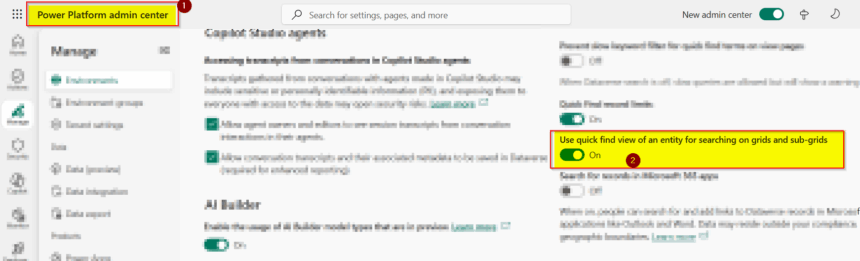
Step -2 : Edit the Quick FInd View
Now you can edit the Quick Find View using Columns, Filters, Sorting and FInd By List as given below.

Now If you navigate to Model Driven APp and search using Quick Find you will see its loading.

Hope it help.








