Bhubaneswar, Odisha, India
+91-8328865778
support@softchief.com

Blog

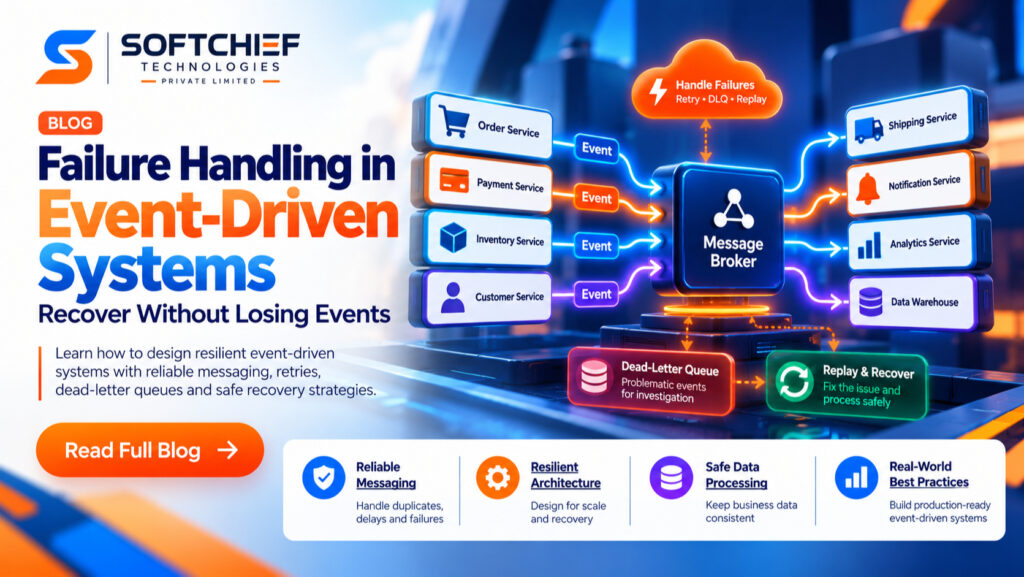
Failure Handling in Event-Driven Systems: Recover Without Losing Events

Introduction An order event can arrive twice, show up late, or fail after a payment has already gone through. That can leave a customer with a charged card and no order confirmation, while downstream services wait for updates that never arrive. Failure handling in event-driven systems takes more than a retry setting. Producers, brokers, consumers,…
Read more

Reliable Event-Driven Applications: Design for Safe Recovery

Introduction An order event can reach a shipping service in seconds, while payment checks run on their own schedule. That freedom makes event-driven applications easier to scale and change. But a queue or broker alone can’t guarantee reliable results. Events can arrive late, more than once, out of order, or not at all. A producer…
Read more

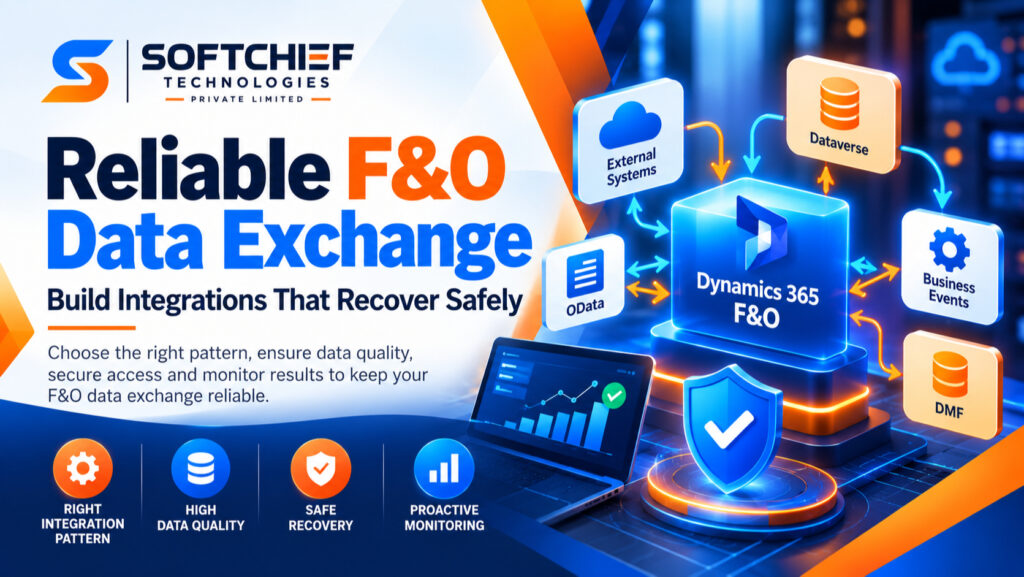
Reliable F&O Data Exchange: Build Integrations That Recover Safely

Introduction A sales order arrives with the wrong customer ID, or an inventory update fails before posting. In Dynamics 365 Finance and Operations (F&O), unreliable data exchange can delay fulfillment, disrupt financial posting, and leave teams working from different figures. Reliable F&O data exchange starts with the right pattern for each flow. It also depends…
Read more

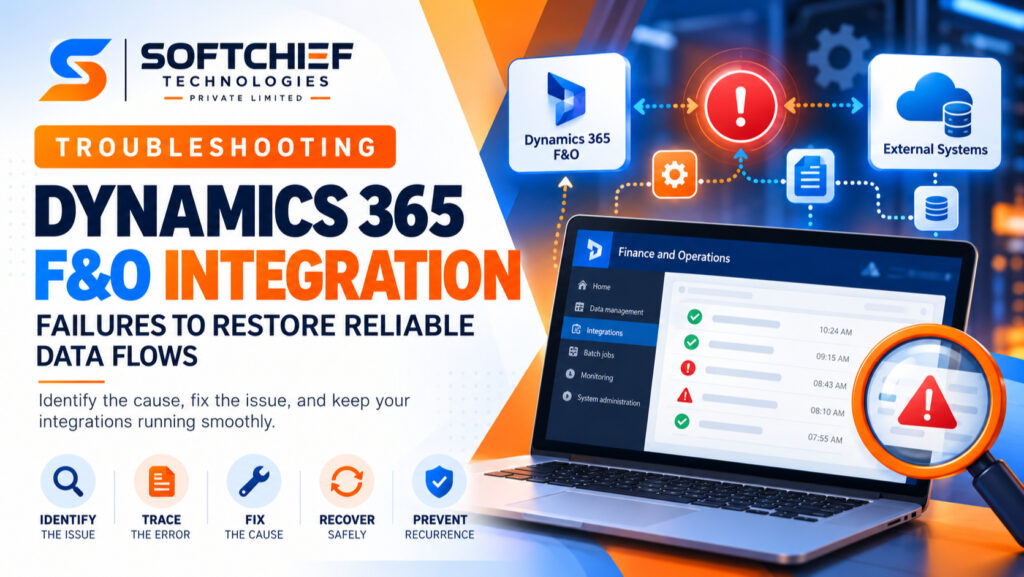
Troubleshooting F&O Integration Failures to Restore Reliable Data Flows

Introduction A failed Dynamics 365 Finance and Operations (F&O) integration can stall order processing, leave records out of sync, or make it unclear which system has the right data. Fast diagnosis matters because a blind retry may create duplicates or hide the original cause. Failures can involve OData, the Data Management Framework (DMF), batch jobs,…
Read more

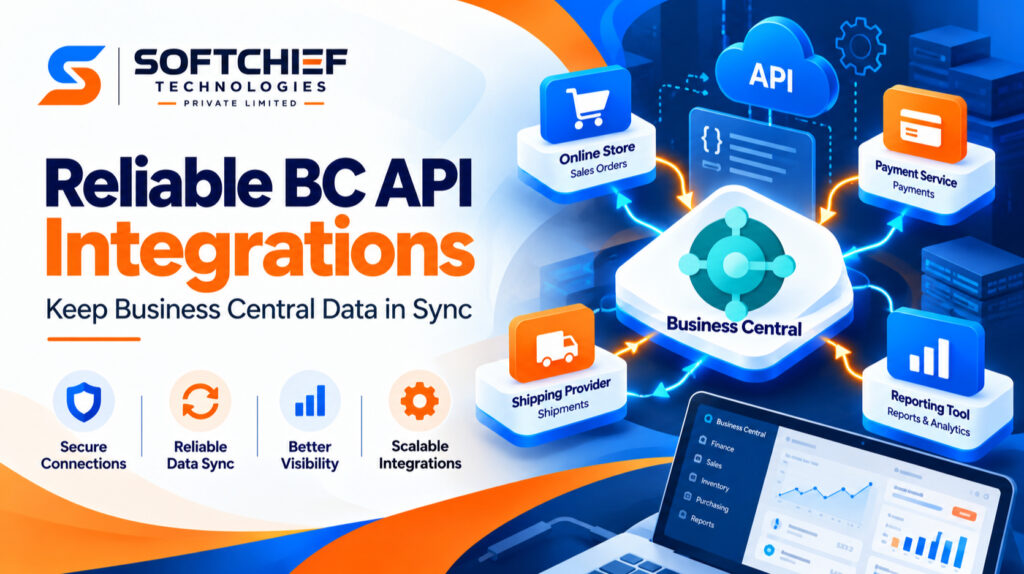
Reliable BC API Integrations: Keep Business Central Data in Sync

Introduction A dependable BC API integration keeps finance, sales, inventory, and other systems working from consistent data. A fragile connection can delay work, create duplicate records, and leave support teams chasing errors. Reliability depends on more than a successful API call: access control, data design, error handling, monitoring, and planned updates all matter. Reliable BC…
Read more

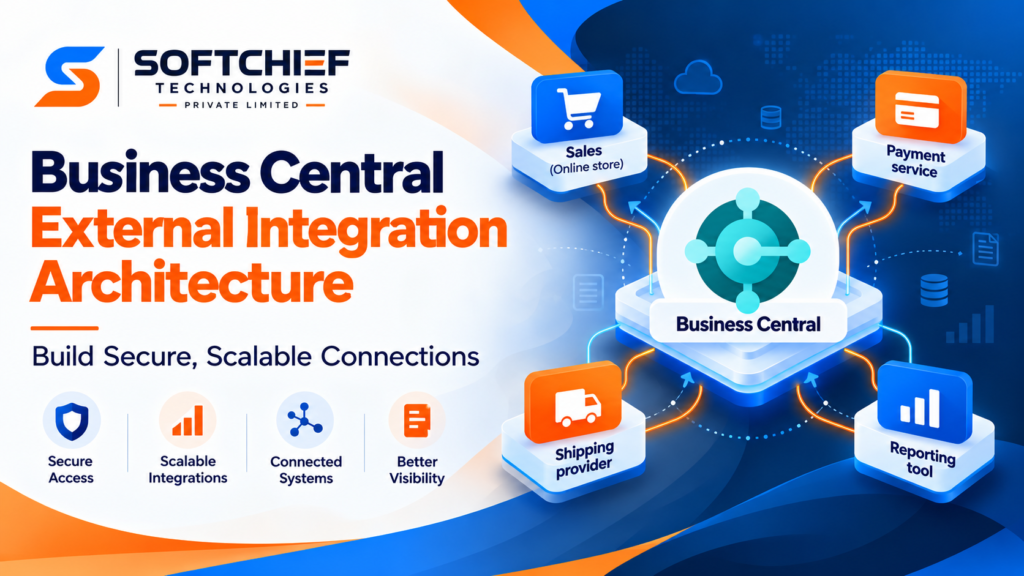
Business Central External Integration Architecture: Build Secure, Scalable Connections

Introduction A sales order can touch five systems before it reaches a customer: Business Central, an online store, a payment service, a shipping provider, and a reporting tool. Business Central external integration architecture determines how those systems share data without creating connections that are brittle, hard to secure, or difficult to support. The design affects…
Read more

Production Plugin Design: Build Extensions That Stay Reliable at Scale

Introduction Plugins let teams add useful features without rebuilding an entire application. But a poorly designed extension can crash its host, expose sensitive data, or make upgrades risky. Production plugin design means building extensions that are safe to install, predictable to run, easy to monitor, and maintainable over time. This article focuses on software plugins…
Read more

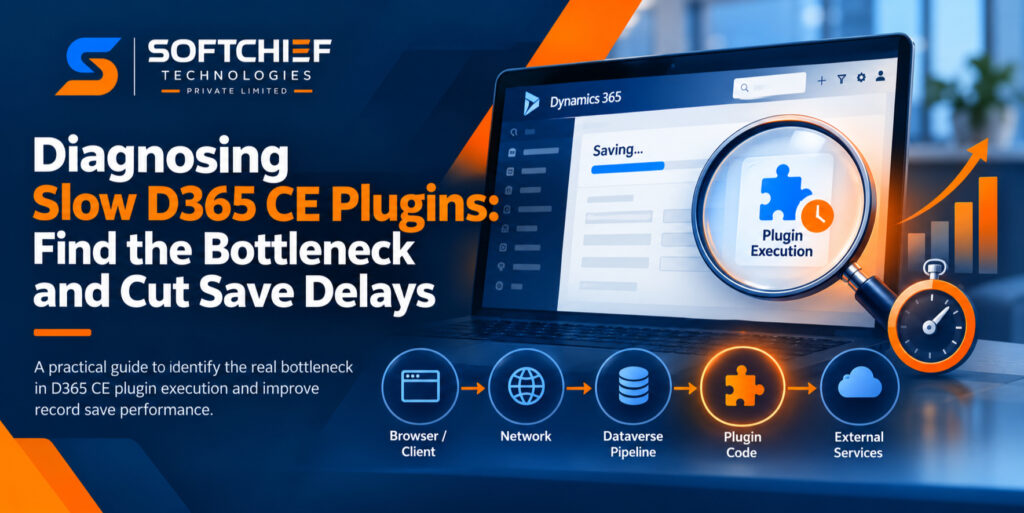
Diagnosing Slow D365 CE Plugins: Find the Bottleneck and Cut Save Delays

Introduction A record save starts taking longer after a D365 CE plugin is added. The plug-in looks like the obvious cause, but its code may not be where most of the wait occurs. The delay can come from the browser, network, Dataverse pipeline, data requests, or an external service. A useful diagnosis separates plug-in run…
Read more

D365 Finance and Operations Custom Service: Build a Secure Integration

Introduction A D365 Finance and Operations custom service lets an external app run selected business operations without signing in to the D365 interface. It helps when standard endpoints don’t support the data or logic your integration needs. To build one, define the request and response, add the business logic, set up Microsoft Entra ID authentication,…
Read more

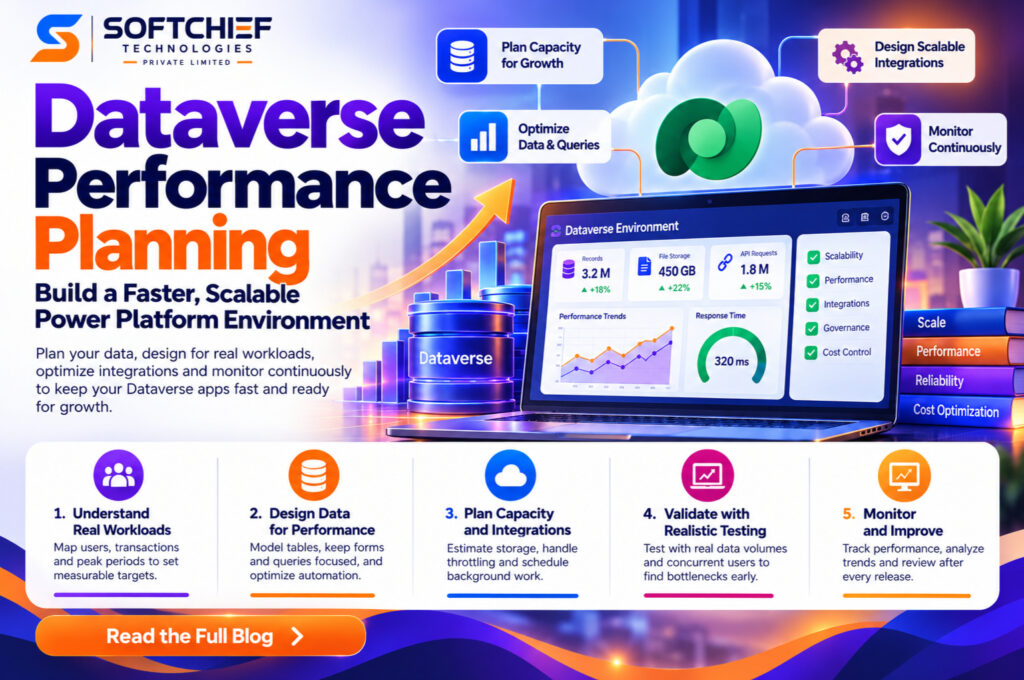
Dataverse Performance Planning: Build a Faster, Scalable Power Platform Environment

Introduction A Dataverse app can pass acceptance testing and still slow down when more users, records, flows, and integrations arrive. Dataverse performance planning helps you spot that risk early and set a clear way to test and track results. The work starts with a realistic workload, then connects app and data design to capacity, testing,…
Read more

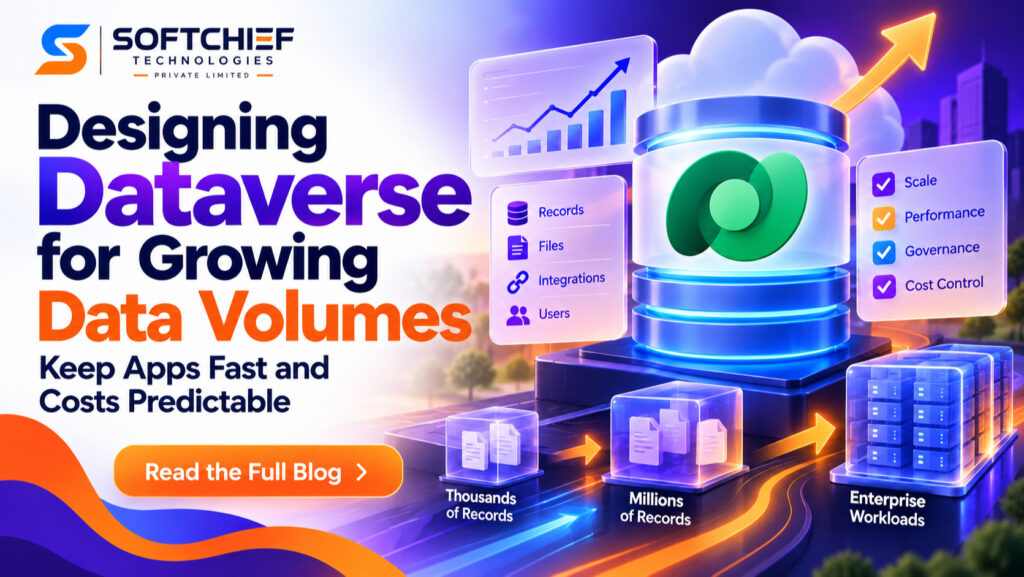
Designing Dataverse for Growing Data Volumes: Keep Apps Fast and Costs Predictable

Introduction A Dataverse environment can feel fast when it holds a few thousand records, then slow down as years of activity and integrations add more. Storage, query speed, and day-to-day support can all become harder to manage if growth is treated as a future problem. Designing Dataverse for growing data volumes starts with choices about…
Read more

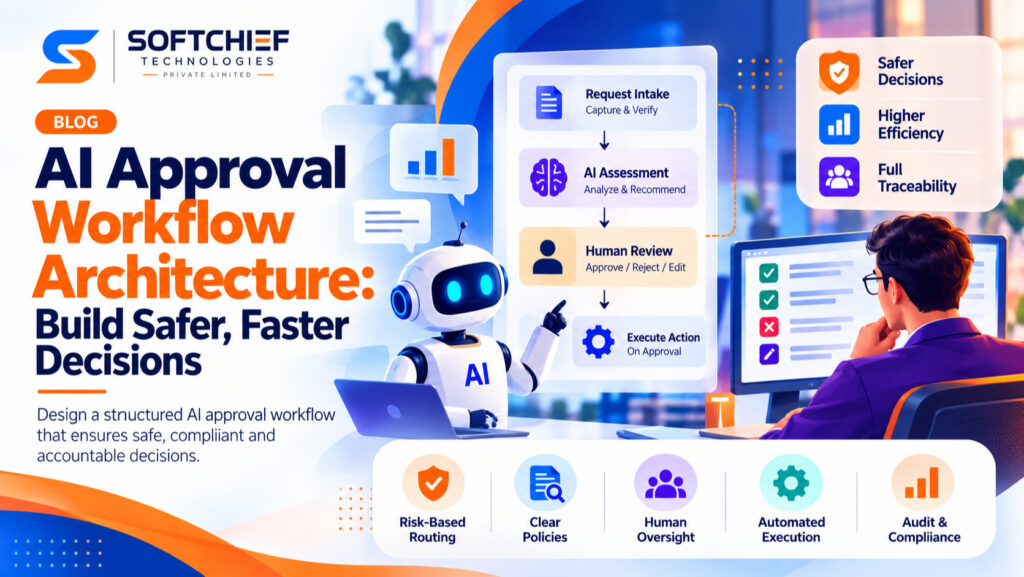
AI Approval Workflow Architecture: Build Safer, Faster Decisions

Introduction An AI system can approve a routine request in seconds, but a wrong decision may cost money, harm a customer, or break a rule. AI approval workflow architecture sets the boundaries: which decisions AI can make, which need human review, and how each outcome gets recorded. An AI approval workflow is the coordinated path…
Read more

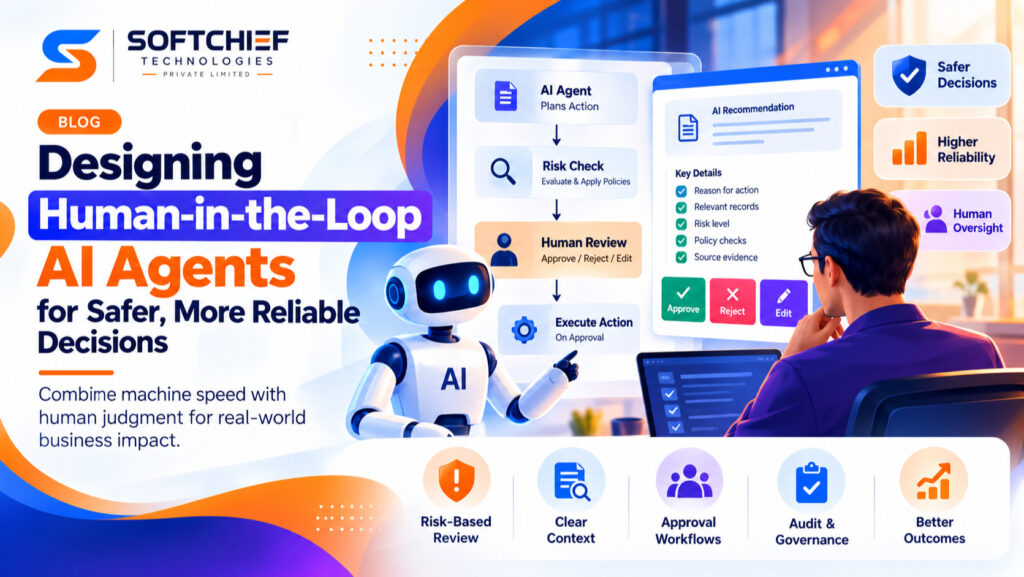
Designing Human-in-the-Loop AI Agents for Safer, More Reliable Decisions

Introduction An agent can plan a refund, update an account, or send a message in seconds. If it acts on the wrong record, the damage may be hard to undo. Designing human-in-the-loop AI agents helps combine machine speed with human judgment by placing people where their decisions can change the outcome. A human-in-the-loop AI agent…
Read more

Secure AI Agent Tool Access Without Expanding Your Attack Surface

Introduction An AI agent can do more than write a reply. Give it tools, and it may read files, query databases, send messages, or change settings. Every connection can create a path to sensitive data or actions with real consequences. The model may choose which tool to call, but it shouldn’t set the rules for…
Read more

What Can Go Wrong With AI Tool Calling? How to Prevent Costly Failures

Introduction An AI assistant can do more than answer a question when it has tool access. It can search the web, send an email, update a customer record, or run code. That makes AI tool calling useful, but it also gives a mistaken response a way to change things outside the chat. A tool call…
Read more

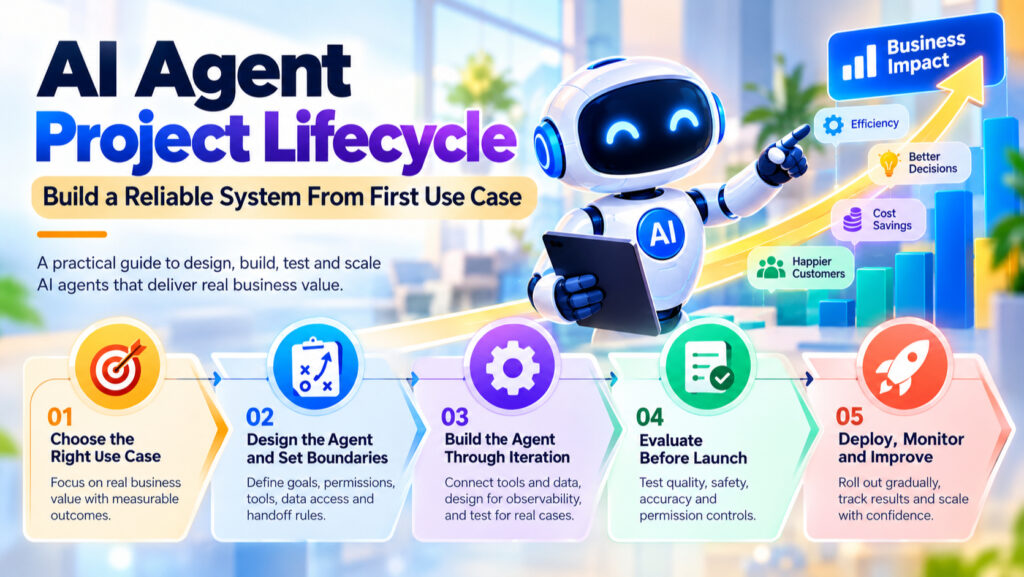
AI Agent Project Lifecycle: Build a Reliable System From First Use Case

Introduction A polished AI agent demo can finish a task in minutes, then fail when it meets a real workflow. Reliable results depend on choices made across the AI agent project lifecycle, not only on which model you select. In practical terms, an AI agent uses a model to pursue a goal, choose actions, and…
Read more

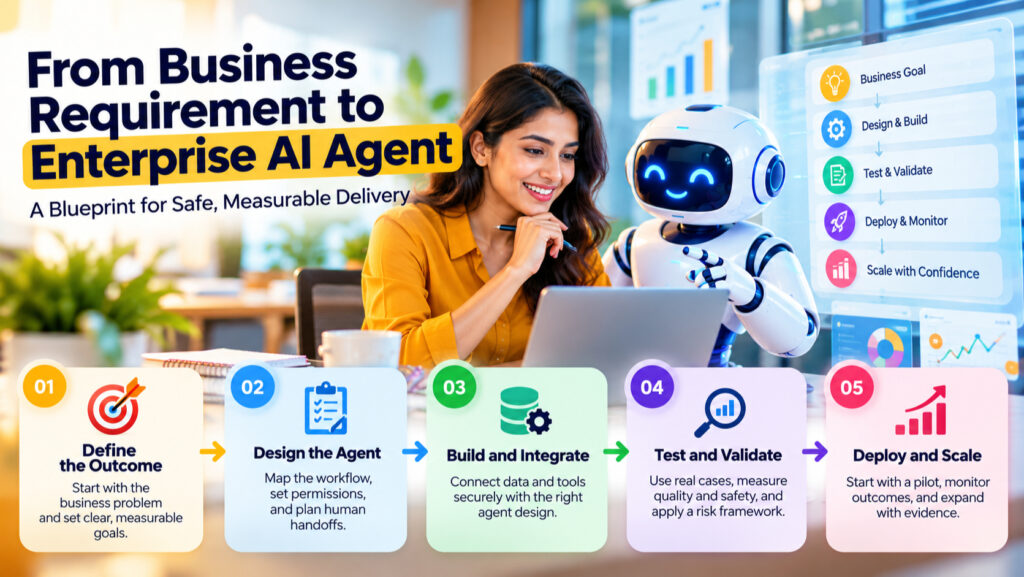
From Business Requirement to Enterprise AI Agent: A Blueprint for Safe, Measurable Delivery

Introduction A request to “reduce the support backlog” sounds clear until a team must decide what the agent can answer, which records it can access, and when a person must step in. Turning that goal into a defined workflow, measurable result, and safe operating boundary is what moves From Business Requirement to Enterprise AI Agent.…
Read more

How to Automate Financial Processes With Dynamics 365 Finance

Introduction Financial management is one of the most critical functions within any organization. However, many businesses still rely on manual processes, disconnected spreadsheets and outdated systems that create inefficiencies, increase operational risks and slow down decision-making. As organizations grow globally and financial operations become more complex, enterprises need intelligent solutions that can automate accounting processes,…
Read more

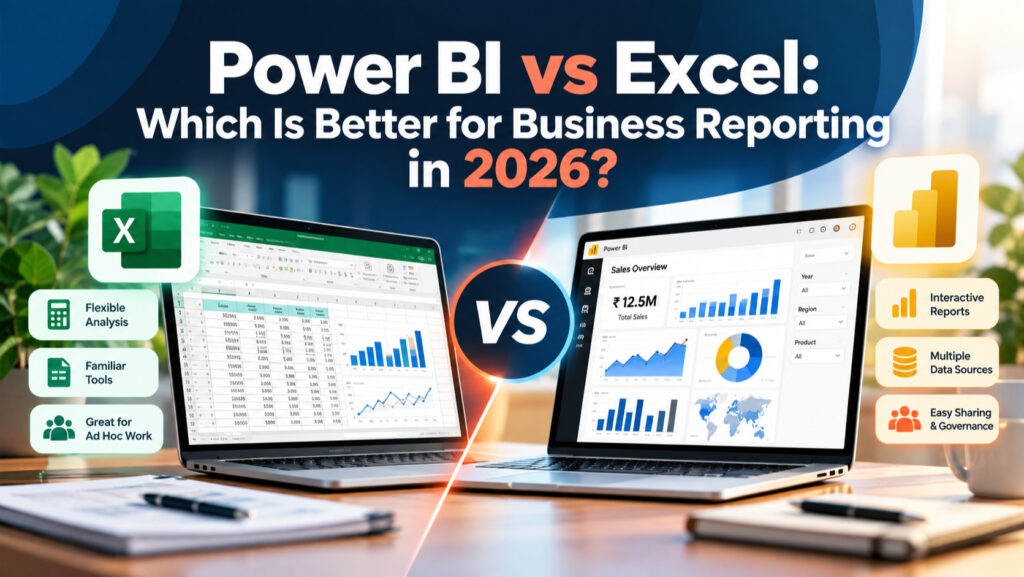
Power BI vs Excel: Which Is Better for Business Reporting in 2026?

Introduction Your monthly sales review is due, and the figures are spread across several files. Power BI vs Excel can feel like a choice between the familiar flexibility of a spreadsheet and a tool built to connect data, model it, and share interactive reports. The better option depends on the reporting job. Consider how complex…
Read more

Dynamics 365 Field Service in 2026: Key Trends and Skills Developers Should Know

Introduction Field service organizations are moving beyond traditional work order management toward more connected and data-driven service operations. Technicians, dispatchers and service managers increasingly need access to accurate asset information, efficient scheduling tools, mobile capabilities and timely operational insights. Microsoft Dynamics 365 Field Service is evolving in these areas, with recent and planned investments focused…
Read more

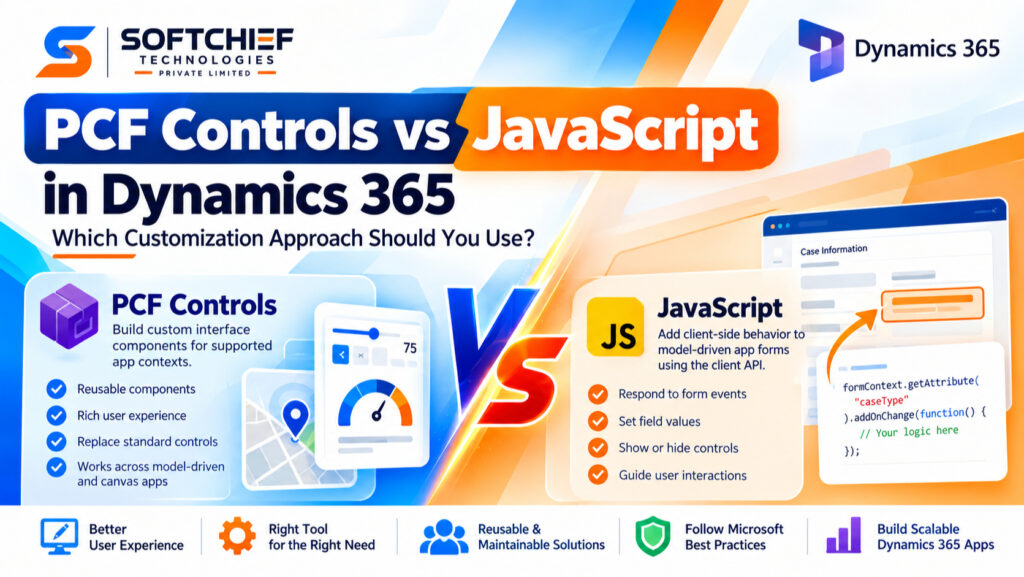
PCF Controls vs JavaScript in Dynamics 365: Which Customization Approach Should You Use?

Introduction A Dynamics 365 change might mean a small form response, such as hiding a field, or a custom interface people use across several apps. Choosing the wrong approach can add avoidable work to testing, deployment, and future updates. PCF controls build custom interface components. JavaScript usually adds client-side behavior to model-driven app forms through…
Read more

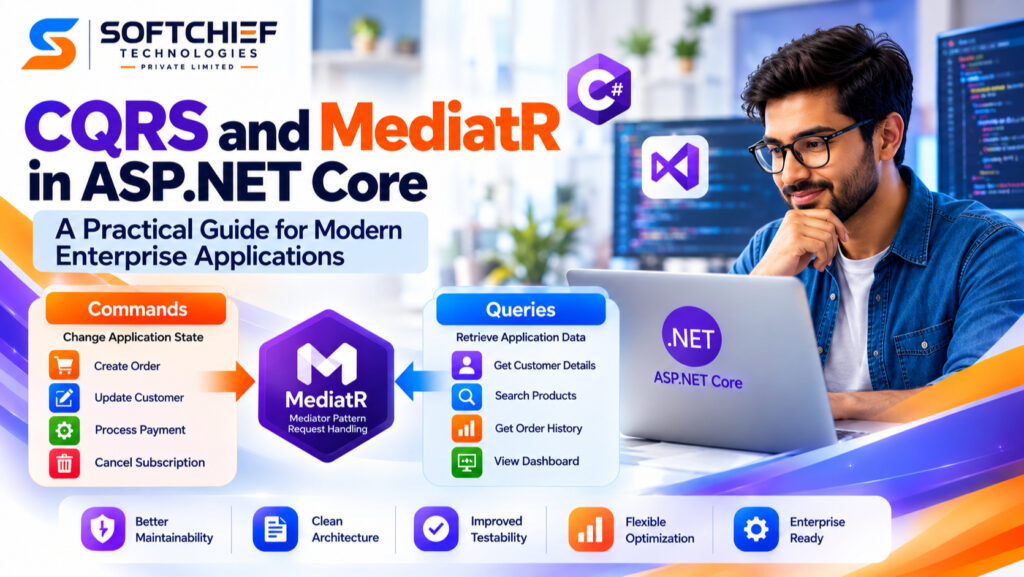
CQRS and MediatR in ASP.NET Core: A Practical Guide for Modern Enterprise Applications

Introducion Modern enterprise applications rarely remain simple CRUD systems for long. As an application grows, business rules become more complex, APIs handle different types of workloads, and development teams need a structure that keeps features maintainable and testable. A common challenge is that read operations and business operations often have very different requirements. A customer…
Read more

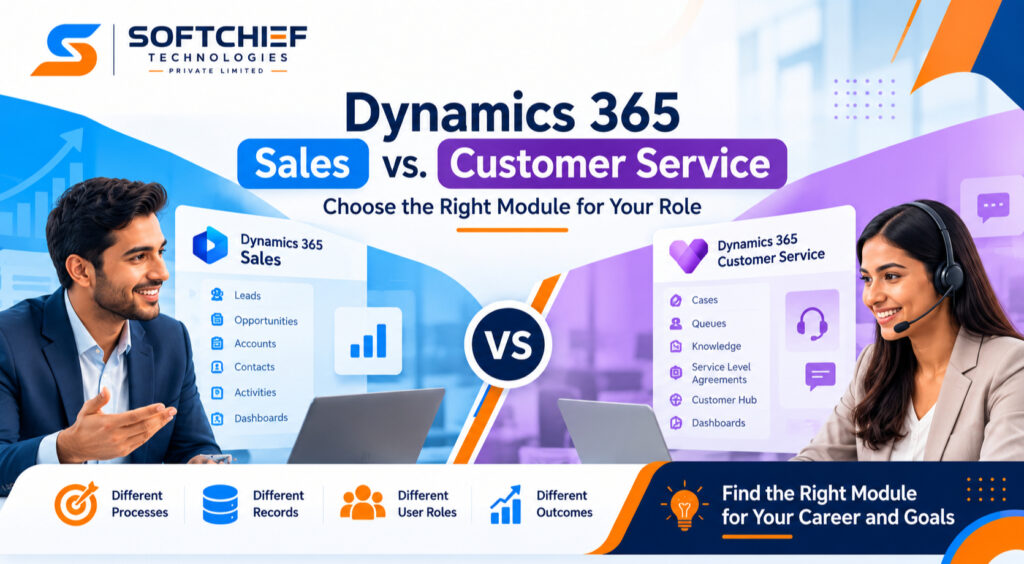
Dynamics 365 Sales vs. Customer Service: Choose the Right Module for Your Role

Introduction A sales team tracks prospects, conversations, and deals. A support team tracks customer issues and works toward solutions. If you’re choosing between Dynamics 365 Sales vs Customer Service, start with the kind of work you want to do. Both apps belong to Microsoft’s business application family, but they focus on different processes and records.…
Read more

Developer vs Consultant: Which Microsoft Career Path Fits You in 2026?

Introduction A Microsoft developer and a Microsoft consultant can work on the same project, yet spend their days solving different problems. One may write code for a new app while the other works with staff to define what the app needs to do. If you’re choosing a career path, that difference matters more than the…
Read more

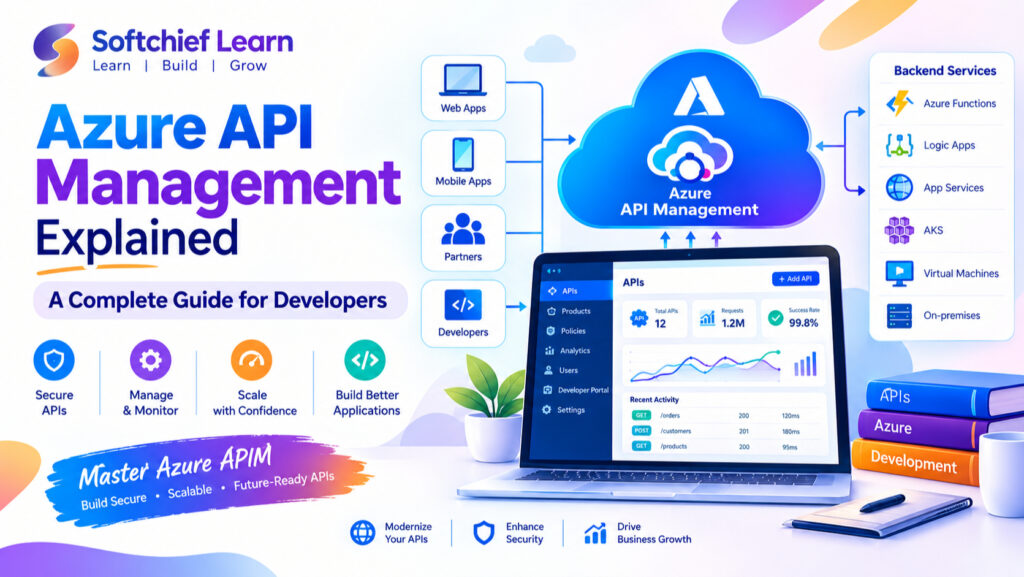
Azure API Management: A Complete Guide for Developers

Introduction In today’s digital-first business environment, APIs (Application Programming Interfaces) have become the backbone of modern applications. From mobile applications and enterprise systems to cloud platforms and AI-powered solutions, APIs enable seamless communication between different software components. However, as organizations scale their digital ecosystems, managing APIs efficiently becomes increasingly complex. Developers and enterprises need solutions…
Read more

Free Courses vs. Paid Training: Build Job-Ready Microsoft Skills

Introduction Watching an Excel tutorial is easy; cleaning a messy workbook under a deadline takes practice. The same gap appears when you move from a Power BI demo to a clear report, or from a Microsoft 365 lesson to a working team process. Free courses vs paid training is less about price than whether you…
Read more