
Microsoft Dataverse: Organize and Protect Business Data in One Place
Introduction
A customer record, a service request, and an invoice may belong to the same business process. Microsoft Dataverse gives teams a cloud platform to store and manage these kinds of business data in one place. It also provides tools for linking records, applying business logic, and controlling access.
Dataverse is used with Microsoft business applications, including Power Platform and Dynamics 365 solutions. Understanding its tables, relationships, automation, and security can help you plan a sound data model for a project.
Learn the fundamentals and discover how Dataverse supports connected business solutions across the Microsoft Power Platform.
How Microsoft Dataverse supports business applications
Define Dataverse in plain language
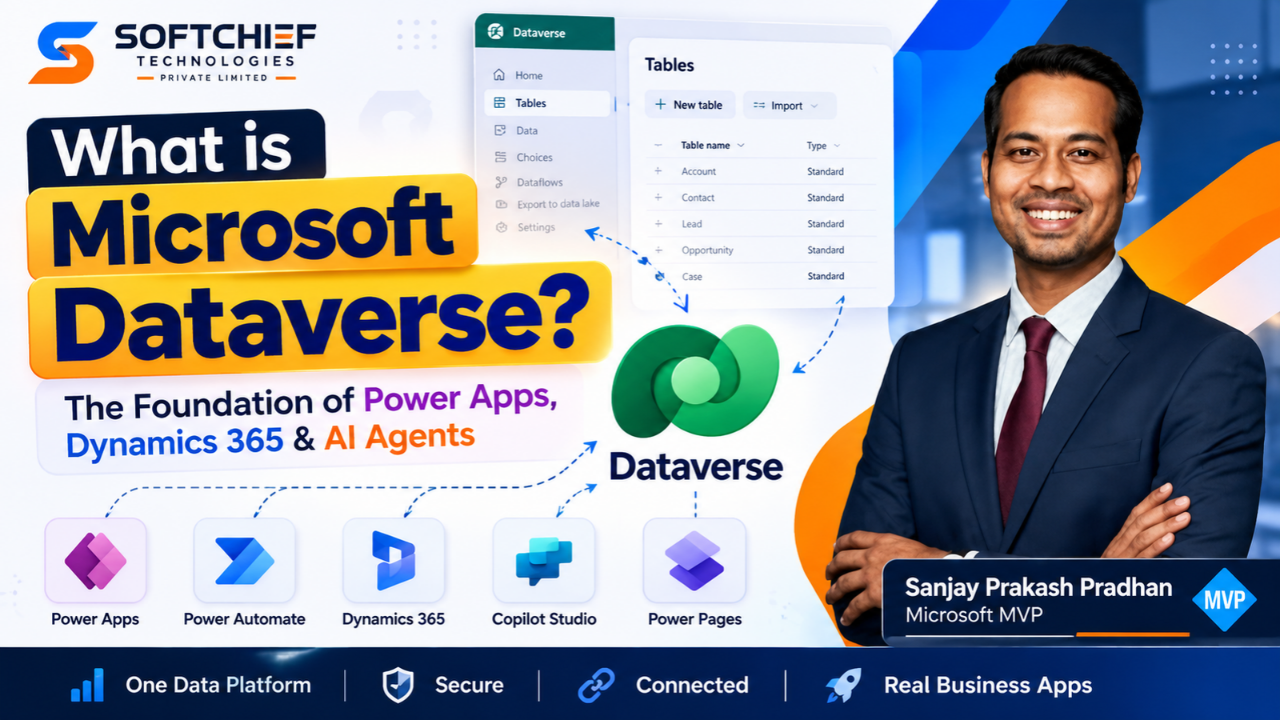
Microsoft Dataverse is a cloud data platform for storing and managing business information. You can build a data model with tables and columns, then use that data in business applications. Dataverse also includes features for security and business logic.
That makes it more than a place to save records. It helps applications work with data in an organized way, while giving teams tools to manage who can access it.
See how Dataverse goes beyond storage
A basic data store holds information. Dataverse can also connect related records, apply rules, and support automated processes. Together, these features help an application manage information in line with a business’s needs.
For example, a sales solution might store customer details and related opportunities in separate tables. Relationships connect those records, while roles and permissions help control who can view or change them.
Choose Dataverse as a central data store
A project can use Dataverse as a central place to keep and manage its business data. This can help when an application needs consistent records that different features or users rely on. The right setup depends on the project’s data, access needs, and processes.
Before choosing it, identify what the application must store and how people will use that information. That gives you a clearer basis for planning tables, relationships, and security.
Microsoft Dataverse tables give business data structure
Organize records in tables
A table holds a group of related records. Each row is one record, such as a customer, a case, or a product. Tables help keep similar information together instead of mixing unrelated details in one long list.
For a service application, you might have a table for customers and another for service requests. Each request can then hold the information the team needs to track that piece of work.
Use columns to define each record
Columns hold the details stored in each row. A customer table, for instance, might include a name, an email address, and a phone number. Dataverse offers different column data types, so each field can match the kind of information it stores.
Choosing suitable types early can make records easier to enter and manage. A date field should hold a date, for example, rather than general text. Clear column choices also help keep data consistent across an application.
Plan the model before creating tables
Start by listing the information your application needs. Group related details into tables, then decide which fields belong in each one. This small planning step can prevent duplicate or hard-to-use data later.
Keep the model focused on the work people need to do. A table should have a clear purpose, and its columns should support that purpose.
Relationships connect Dataverse records
Connect tables with one-to-many relationships
A one-to-many relationship links one record in a table to several records in another table. For example, one customer may have many service requests. The relationship lets the application connect each request to the customer who made it.
This structure can reduce repeated information. Instead of copying the customer’s full details into every request, each request can be linked to the customer record.
Read a relationship from the other side
The same connection can be described as many-to-one when viewed from the other table. Many service requests can point back to one customer. The relationship type is the same; the wording changes based on which table you start from.
Knowing both terms helps when you read a data model or discuss how records connect. Ask which record can have many related records, and which records point back to a single one.
Use many-to-many links when both sides repeat
A many-to-many relationship fits when several records in each table can connect to several records in the other. For example, a person may attend many courses, and each course may have many people enrolled.
Before selecting a relationship type, describe how the records connect in everyday terms. A quick example, such as “one customer can have many requests,” can make the right structure easier to spot.
Business logic and automation support processes
Apply business rules to guide data handling
Business rules let a Dataverse solution apply logic to data. A rule might guide how a field is handled based on another value or help keep records in line with a process. The exact setup depends on the needs of the application.
Plan rules around real tasks and decisions. If a team follows a clear rule when handling a record, that rule may be a good candidate for the application.
Use Power Fx formulas for logic
Power Fx formulas can express logic in supported parts of a solution. They can help calculate or set values based on other data, reducing the need for users to work things out by hand.
Keep formulas tied to clear needs. Before adding one, define what result the user should see and which data the formula should use.
Automate repeatable manual work
Workflows can automate tasks that would otherwise require repeated manual steps. A process might include updating information or moving work along after a record changes. Automation can help teams follow the same process each time.
Look for steps that happen often and follow clear rules. Map the steps first, then decide which ones are safe and useful to automate.
Security and governance help protect business data
Set roles and permissions
Dataverse includes security features that let administrators assign roles and permissions. These settings help determine which users can access data and what actions they can take. Access should match each person’s job duties.
A user who only needs to read records may not need permission to edit them. Review access needs for each role, especially when the data includes sensitive business details.
Use role-based access
Role-based security groups permissions around responsibilities. Rather than setting access separately for every person, an administrator can assign a role that fits a user’s work. The role then guides what the user can see or do.
Roles need careful setup. Check them against the actual tasks users perform, and review them when responsibilities change.
Include governance in data planning
Governance helps an organization manage its data and access rules. It works alongside security settings, not in place of them. A sound plan considers who owns the data, who needs it, and how access should be maintained.
Think about these needs while designing tables and application features. Planning access early can help avoid exposing information to people who do not need it.
Microsoft Dataverse combines data, logic, and protection
Keep the platform’s core purpose in mind
Dataverse provides a cloud platform for storing and managing business data. Tables and columns organize records, while relationships connect information across the model. This structure gives applications a consistent base to work from.
Plan beyond storage
Business rules, Power Fx formulas, and workflows can help an application support day-to-day processes. Use them when they solve a clear need, and make sure the data model supports the work users must do.
Make access part of the design
Roles, permissions, and governance help protect business information. Treat access as part of the project plan, not a last-minute setting. When you design a Dataverse solution, begin with the data and processes, then define who needs access to each part.
Conclusion
Microsoft Dataverse brings business data, relationships, logic, and security into one cloud platform. A clear table design makes records easier to manage, while relationships help connect them in useful ways. Rules and automation can support business processes, and well-planned roles help protect access.
Start by listing the data your project needs and how people will use it. Then map the tables, relationships, and access rules before building the application.









