
Enable Bing Map in Dynamics 365

- Open a model driven app and then select Settings > Advanced Settings.
- Select Settings > Administration > System Settings.
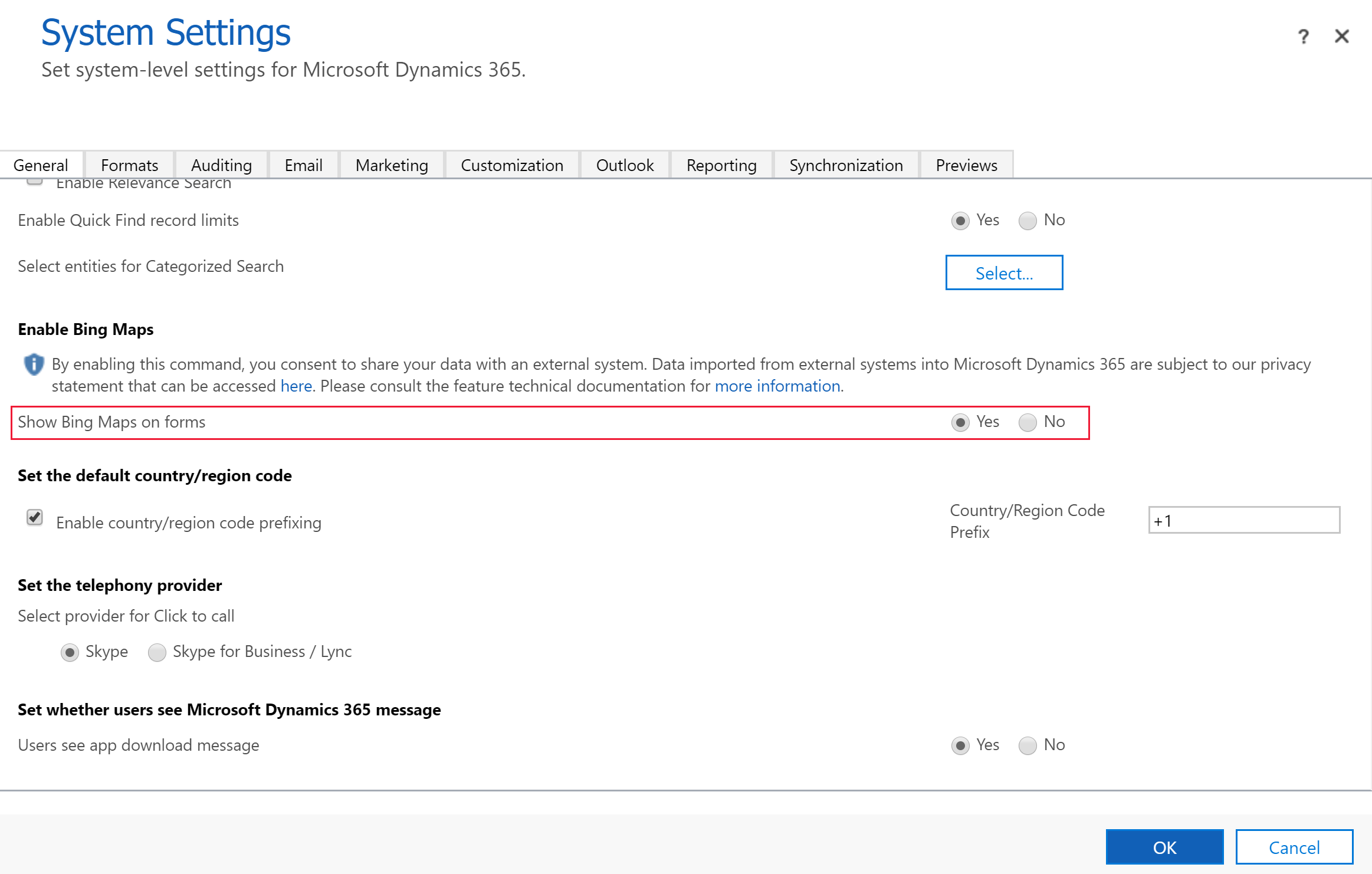
- On the General tab, select Show Bing Maps on forms, and then select OK.
Watch the video below for more practical methods.








