
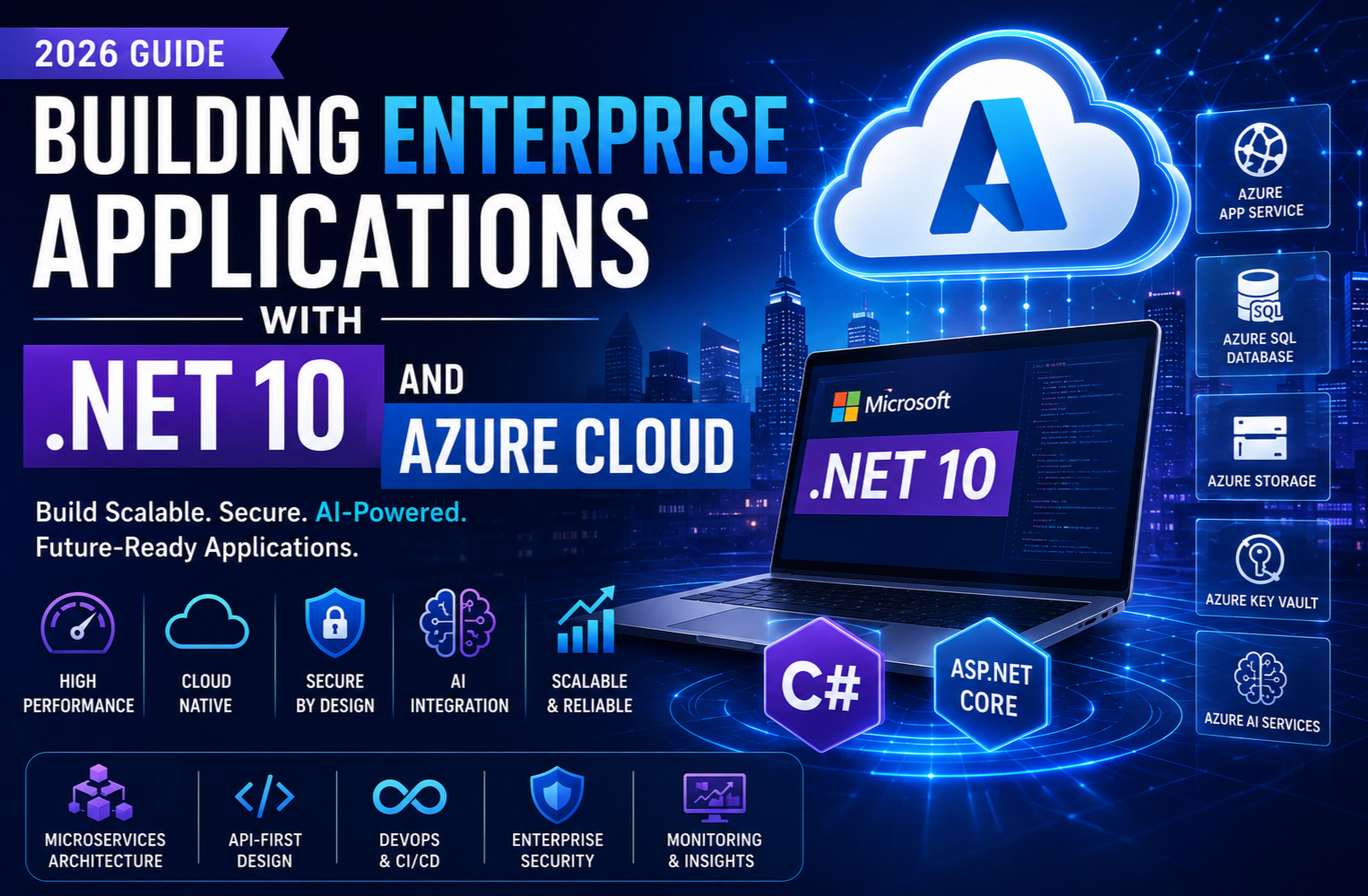
Building Enterprise Applications with .NET 10 and Azure Cloud
Introduction
As businesses continue their digital transformation journey, enterprise applications are expected to be more intelligent, scalable, secure and cloud-native than ever before. In 2026, .NET 10 and Microsoft Azure have become one of the most powerful technology combinations for developing modern enterprise solutions.
Whether you’re building ERP systems, CRM platforms, financial applications, healthcare software or AI-powered business solutions, .NET 10 provides the performance and developer productivity needed to deliver enterprise-grade applications, while Azure offers the cloud infrastructure and managed services required for global scalability and reliability.
This guide explores how developers and organisations can leverage .NET 10 and Azure Cloud to build secure, high-performance enterprise applications.
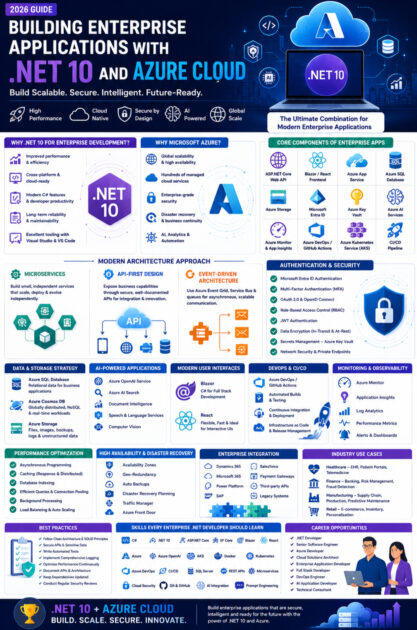
Why Choose .NET 10 for Enterprise Development?
.NET 10 continues Microsoft’s commitment to providing a unified, high-performance development platform for building web, desktop, mobile, cloud and AI applications.
Key benefits include:
- Improved runtime performance
- Enhanced developer productivity
- Native cloud integration
- Cross-platform support
- Better memory management
- Modern C# language features
- Long-term maintainability
- Excellent tooling with Visual Studio and Visual Studio Code
These improvements make .NET 10 an ideal platform for mission-critical enterprise systems.
Why Microsoft Azure?
Microsoft Azure is one of the world’s leading cloud platforms, offering hundreds of managed services that simplify application development, deployment and operations.
Azure enables organisations to:
- Scale applications globally
- Reduce infrastructure management
- Improve security
- Enable disaster recovery
- Integrate AI capabilities
- Monitor application health
- Automate deployments
- Optimise operational costs
Together, .NET 10 and Azure provide a complete ecosystem for modern enterprise development.
Core Components of an Enterprise Application
A typical enterprise application built with .NET 10 and Azure consists of:
- ASP.NET Core Web API
- Blazor or React frontend
- Azure App Service
- Azure SQL Database
- Azure Storage
- Azure Key Vault
- Microsoft Entra ID
- Azure AI services
- Azure Monitor
- Azure Application Insights
- Azure DevOps or GitHub Actions
- Azure Kubernetes Service (AKS) for containerised deployments
Each component contributes to scalability, security and operational efficiency.
Building a Cloud-Native Architecture
Cloud-native applications are designed to take full advantage of cloud capabilities.
Key architectural principles include:
Microservices
Breaking applications into independent services enables:
- Independent deployments
- Easier maintenance
- Better scalability
- Fault isolation
- Faster development cycles
ASP.NET Core is well suited for building lightweight, high-performance microservices.
API-First Design
Enterprise applications increasingly expose functionality through APIs.
Benefits include:
- Easier integration
- Mobile support
- Third-party connectivity
- Reusable business services
- Future-proof architecture
REST APIs remain widely used, while GraphQL is becoming more common for flexible data access.
Event-Driven Architecture
Azure services such as Event Grid and Service Bus enable asynchronous communication between systems.
Advantages include:
- Improved responsiveness
- Better scalability
- Loose coupling
- Enhanced reliability
This approach is particularly valuable for large enterprise ecosystems.
Authentication and Security
Security is fundamental for enterprise software.
.NET 10 and Azure support robust security features including:
- Microsoft Entra ID authentication
- Multi-factor authentication (MFA)
- OAuth 2.0 and OpenID Connect
- Role-Based Access Control (RBAC)
- JWT authentication
- Data encryption
- Secure secret management with Azure Key Vault
- Network security controls
- Private endpoints
Implementing these features helps protect applications and sensitive business data.
Database Strategy
Choosing the right data storage solution is essential.
Common Azure options include:
Azure SQL Database
Best for:
- Business applications
- ERP systems
- CRM platforms
- Financial applications
Azure Cosmos DB
Suitable for:
- Global applications
- IoT platforms
- Real-time systems
- NoSQL workloads
Azure Storage
Used for:
- File uploads
- Images
- Documents
- Backups
- Application logs
Selecting the appropriate storage technology depends on application requirements and scalability goals.
Building Intelligent Applications with AI
Artificial Intelligence has become a standard component of enterprise applications.
Developers can integrate:
- Azure OpenAI Service
- Azure AI Foundry
- Azure AI Search
- Document Intelligence
- Speech Services
- Language Services
- Vision Services
Example use cases include:
- AI-powered customer support
- Intelligent search
- Document summarisation
- Workflow automation
- Code generation
- Predictive analytics
AI enhances user experiences and improves operational efficiency.
Modern User Interfaces
Enterprise applications require responsive and intuitive user experiences.
Popular frontend choices include:
Blazor
Ideal for organisations using the Microsoft ecosystem.
Benefits:
- C# for frontend development
- Shared code with backend
- Strong integration with ASP.NET Core
- Excellent tooling
React
Suitable for:
- Customer-facing portals
- SaaS products
- Interactive dashboards
- High-performance web applications
Both technologies integrate effectively with ASP.NET Core APIs.
DevOps and Continuous Delivery
Modern software delivery relies on automation.
Azure DevOps and GitHub Actions support:
- Automated builds
- Continuous Integration (CI)
- Continuous Deployment (CD)
- Automated testing
- Infrastructure as Code
- Release management
- Deployment approvals
These practices improve software quality and accelerate release cycles.
Monitoring and Observability
Maintaining application health requires comprehensive monitoring.
Azure provides:
- Azure Monitor
- Application Insights
- Log Analytics
- Diagnostic Logs
- Performance Metrics
- Distributed Tracing
- Real-time Alerts
These tools help teams identify and resolve issues before they affect users.
Performance Optimisation
Enterprise applications must perform reliably under heavy workloads.
Best practices include:
- Asynchronous programming
- Response caching
- Database indexing
- Efficient LINQ queries
- Load balancing
- Connection pooling
- Background processing
- Distributed caching with Azure Cache for Redis
Performance tuning should be an ongoing process throughout the application lifecycle.
High Availability and Disaster Recovery
Business-critical systems require minimal downtime.
Azure supports:
- Availability Zones
- Regional redundancy
- Automatic backups
- Geo-replication
- Disaster recovery planning
- Traffic Manager
- Azure Front Door
These capabilities help maintain business continuity during unexpected events.
Enterprise Integration
Modern businesses rely on multiple interconnected systems.
Common integrations include:
- Dynamics 365
- Microsoft 365
- Power Platform
- SAP
- Salesforce
- Payment gateways
- Third-party APIs
- Legacy enterprise systems
.NET 10 provides excellent support for secure API-based integrations.
Industry Use Cases
Healthcare
Applications include:
- Electronic Health Records (EHR)
- Appointment systems
- Patient portals
- Telemedicine platforms
Finance
Solutions include:
- Banking portals
- Investment platforms
- Risk management systems
- Fraud detection
Manufacturing
Applications support:
- Inventory management
- Production planning
- Supply chain management
- Predictive maintenance
Retail
Enterprise solutions include:
- E-commerce platforms
- Customer loyalty systems
- Inventory tracking
- Personalised shopping experiences
Best Practices for Enterprise Development
To build successful enterprise applications:
- Follow clean architecture principles.
- Apply Domain-Driven Design (DDD) where appropriate.
- Use dependency injection.
- Implement comprehensive logging.
- Secure all APIs.
- Write automated tests.
- Optimise database performance.
- Monitor production environments continuously.
- Automate deployments.
- Document APIs and architecture.
- Keep dependencies updated.
- Perform regular security reviews.
These practices improve maintainability and long-term reliability.
Skills Every Enterprise .NET Developer Should Learn
Modern enterprise developers should build expertise in:
- C#
- .NET 10
- ASP.NET Core
- Entity Framework Core
- Blazor
- React
- Azure
- Azure OpenAI
- Azure AI Search
- Azure Kubernetes Service
- Docker
- Kubernetes
- Azure DevOps
- GitHub Actions
- SQL Server
- Azure SQL Database
- REST APIs
- Microservices
- Cloud Security
- CI/CD
- Prompt Engineering
- AI Integration
Developers with these skills are well equipped for enterprise software projects.
Career Opportunities
The demand for professionals experienced in .NET and Azure continues to grow.
Common job roles include:
- .NET Developer
- Senior Software Engineer
- Azure Developer
- Cloud Solutions Architect
- Enterprise Application Developer
- Full Stack Developer
- DevOps Engineer
- AI Application Developer
- Technical Consultant
These roles span industries such as finance, healthcare, manufacturing, retail and government.
The Future of Enterprise Development
Enterprise software is evolving rapidly.
Key trends include:
- AI-powered business applications
- Autonomous AI agents
- Cloud-native architectures
- Intelligent automation
- Low-code and pro-code collaboration
- Serverless computing
- Edge AI
- Enhanced cybersecurity
- Sustainable cloud computing
.NET 10 and Azure are well positioned to support these emerging technologies.
Conclusion
Building enterprise applications with .NET 10 and Azure Cloud enables organisations to create secure, scalable and intelligent solutions capable of meeting modern business demands. Together, they provide a comprehensive platform for developing everything from internal business systems to global cloud-native applications powered by artificial intelligence.
Success with enterprise development depends not only on choosing the right technologies but also on following proven architectural patterns, implementing strong security practices and embracing DevOps automation. By combining the performance of .NET 10 with the flexibility and reliability of Azure, development teams can deliver applications that are resilient, maintainable and ready for future innovation.
As cloud computing and AI continue to reshape the software industry, mastering .NET 10 and Azure will remain a valuable investment for developers and organisations seeking long-term success.









