Bhubaneswar, Odisha, India
+91-8328865778
support@softchief.com

Tag: Dataverse

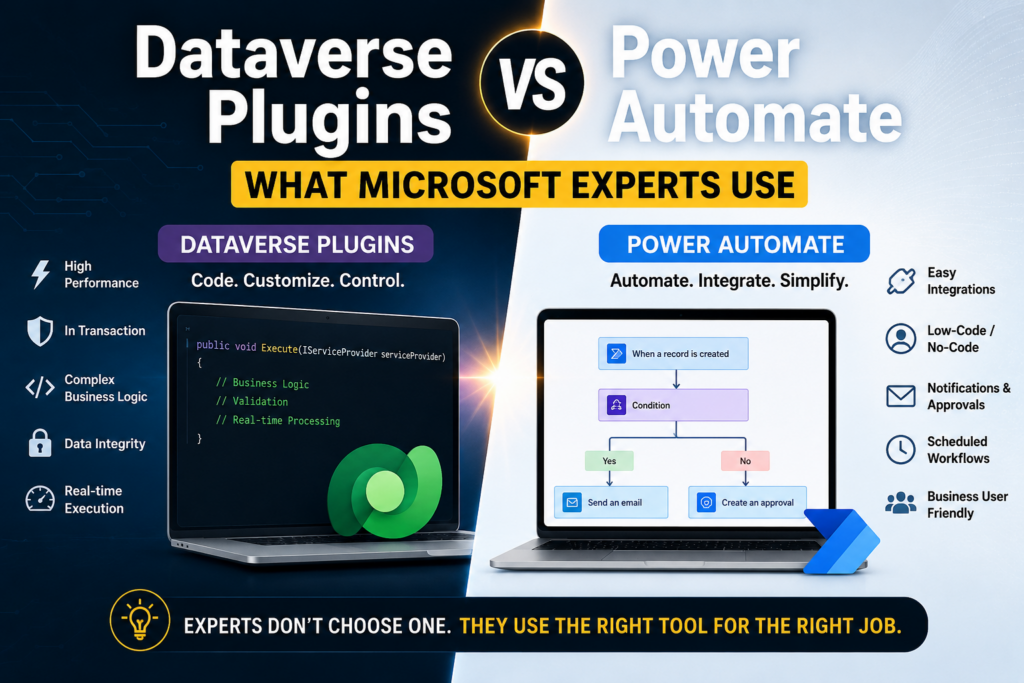
Dataverse Plugins vs Power Automate: What Microsoft Experts Actually Use in Real Projects

Introduction One of the most common questions I hear from Power Platform developers and Dynamics 365 professionals is: “Should I use a Dataverse Plugin or Power Automate?” While both can automate business processes, choosing the wrong approach can lead to performance issues, maintenance challenges, increased licensing costs, and poor user experience. After working on numerous…
Read more
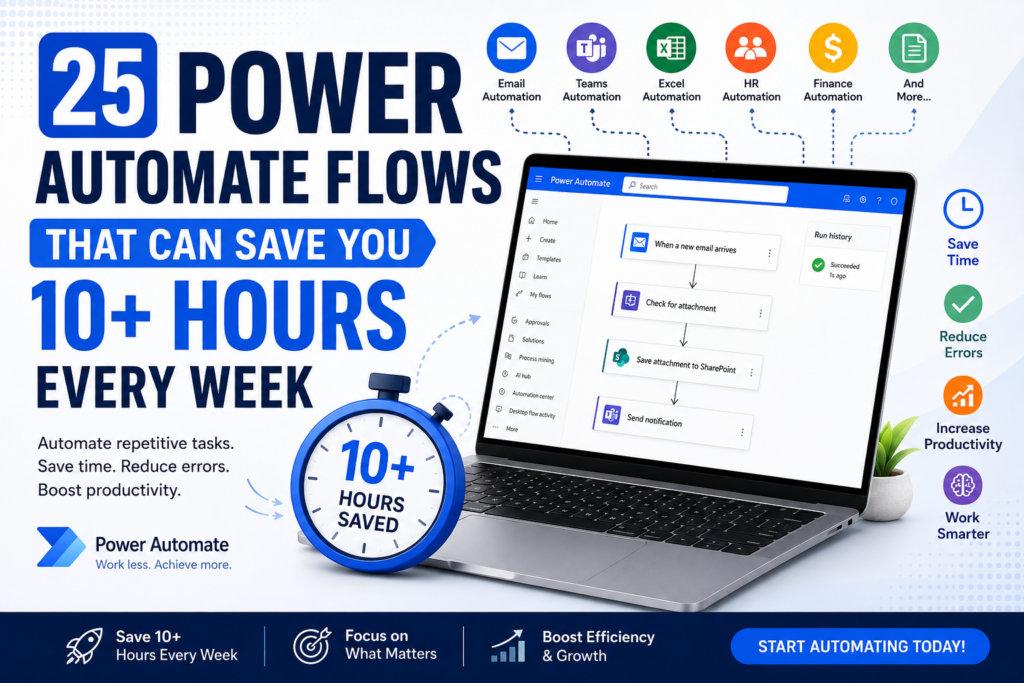
25 Power Automate Flows That Can Save You 10 Hours Every Week

Introduction Imagine arriving at work on Monday morning and discovering that most of your repetitive tasks have already been completed automatically. This is exactly what organizations worldwide are achieving using Microsoft Power Automate. Whether you’re a student, business analyst, HR professional, project manager, developer, or business owner, automation can save hours every week while reducing…
Read more

Create Excel File in OneDrive Using Power Automate and Insert Records Dynamically from Dataverse

Exporting Dataverse records into Excel is a common requirement in Dynamics 365 and Power Platform projects—whether for reporting, backup, or data analysis. While Dataverse provides built-in export features, automating this process with Power Automate gives you flexibility, scheduling capabilities, and dynamic control over the Excel file. In this blog, we’ll walk step-by-step through how to:…
Read more

Set Combo Box Value Dynamically by other Combo Box Value in Canvas APP

In this post You will come to know how to Set Default Selected Items of a Combo Box as per value selected in another Combo BOX. Problem Statement In the below canvas app screenshot, there is a combo box called Owner Type which is connected to Choice field with below powerfx. Owner Type is a…
Read more