
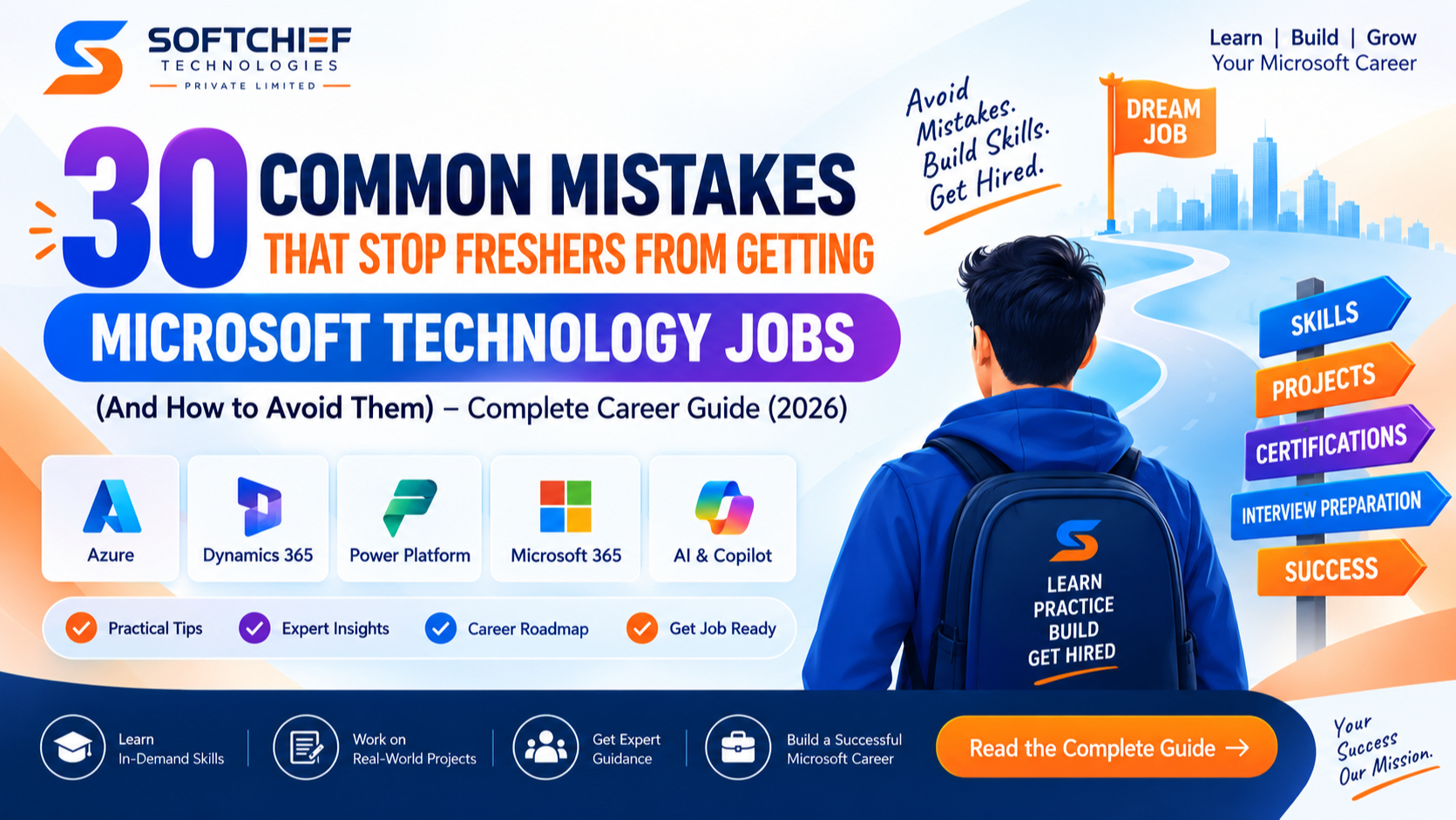
30 Mistakes That Stop Freshers from Getting Microsoft Technology Jobs – And How to Avoid Them
Introduction
Every year, thousands of students complete their B.Tech, MCA, BCA, M.Tech, MBA, and other professional degrees hoping to start a successful career in Microsoft’s technology ecosystem.
Many dream of becoming:
- Microsoft Power Platform Developers
- Dynamics 365 Consultants
- Azure Developers
- C# .NET Full Stack Developers
- Cloud Engineers
- Solution Consultants
However, only a small percentage receive interview calls and job offers.
The reason isn’t always a lack of talent.
In many cases, freshers make avoidable mistakes that reduce their chances of getting hired.
This guide highlights the 30 most common mistakes and provides practical advice to help you stand out in today’s competitive job market.
Why Microsoft Technology Careers Are Growing
Organizations across industries are investing in:
- Microsoft Power Platform
- Dynamics 365
- Microsoft Azure
- Copilot Studio
- Azure OpenAI
- Microsoft 365
- AI-powered automation
- Cloud computing
As businesses accelerate digital transformation, the demand for skilled Microsoft professionals continues to rise.
However, employers are looking for candidates who demonstrate practical skills—not just academic qualifications.
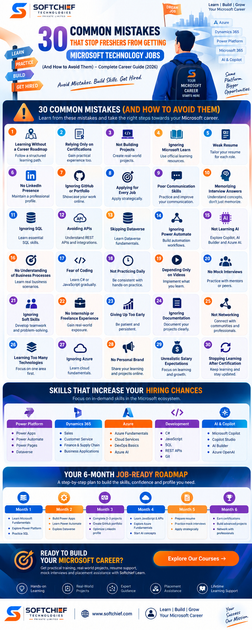
1. Learning Without a Career Roadmap
Many beginners jump between technologies without a structured learning plan.
Avoid This
Choose a clear specialization, such as:
- Power Platform
- Dynamics 365
- Azure
- C# .NET Full Stack
Follow a step-by-step roadmap instead of learning randomly.
2. Relying Only on Certifications
Certifications are valuable, but they don’t replace practical experience.
Avoid This
Build real-world applications and demonstrate your skills through projects.
3. Not Building Projects
Employers want evidence that you can apply what you’ve learned.
Avoid This
Create applications such as:
- Leave Management System
- Expense Tracker
- Help Desk Portal
- CRM Customization
- Employee Management App
Showcase them in your portfolio.
4. Ignoring Microsoft Learn
Microsoft Learn offers official learning paths, labs, and documentation.
Avoid This
Use Microsoft Learn to strengthen your conceptual understanding alongside practical training.
5. Weak Resume
Generic resumes rarely stand out.
Avoid This
Tailor your resume for Microsoft technology roles by highlighting:
- Skills
- Projects
- Certifications
- Internships
- Achievements
6. No LinkedIn Presence
Recruiters frequently search LinkedIn before contacting candidates.
Avoid This
Maintain a professional profile with:
- Updated headline
- Skills
- Certifications
- Projects
- Professional photo
7. Ignoring GitHub or Portfolio
Many freshers complete projects but never showcase them.
Avoid This
Publish your work with documentation, screenshots, and explanations where appropriate.
8. Applying for Every Job
Sending the same resume to every company reduces interview success.
Avoid This
Apply for positions that match your skills and customize your resume for each role.
9. Poor Communication Skills
Technical skills alone are not enough.
Avoid This
Practice explaining:
- Projects
- Technical concepts
- Business scenarios
- Problem-solving approaches
10. Memorizing Interview Answers
Interviewers often ask scenario-based questions.
Avoid This
Understand concepts rather than memorizing definitions.
11. Ignoring SQL
SQL remains an essential skill across Microsoft technologies.
Avoid This
Learn:
- SELECT
- JOIN
- GROUP BY
- Stored Procedures
- Basic database design
12. Avoiding APIs
Modern applications depend on integrations.
Avoid This
Understand REST APIs, authentication, and JSON.
13. Skipping Dataverse
Dataverse is central to Power Platform and Dynamics 365.
Avoid This
Learn:
- Tables
- Relationships
- Security
- Business Rules
- Forms
14. Ignoring Power Automate
Automation skills are highly valued.
Avoid This
Practice building approval workflows, notifications, and integrations.
15. Not Learning AI
AI is becoming part of nearly every Microsoft solution.
Avoid This
Explore:
- Microsoft Copilot
- Copilot Studio
- AI Builder
- Azure OpenAI
16. No Understanding of Business Processes
Technology solves business problems.
Avoid This
Learn common workflows in:
- Sales
- HR
- Customer Service
- Finance
- Procurement
17. Fear of Coding
Many learners avoid JavaScript or C# entirely.
Avoid This
Learn programming gradually. Even basic knowledge can greatly expand your opportunities.
18. Not Practicing Daily
Inconsistent learning slows progress.
Avoid This
Dedicate regular time each day for hands-on practice.
19. Depending Only on Videos
Watching tutorials without implementation limits learning.
Avoid This
Build every example yourself.
20. No Mock Interviews
Many candidates face their first interview without preparation.
Avoid This
Practice mock interviews with mentors or peers.
21. Ignoring Soft Skills
Employers value teamwork, adaptability, and professionalism.
Avoid This
Develop communication, collaboration, and problem-solving skills.
22. No Internship or Freelance Experience
Practical exposure increases credibility.
Avoid This
Seek internships, freelance projects, or volunteer opportunities.
23. Giving Up Too Early
Job searches often take time.
Avoid This
Keep learning, improving, and applying consistently.
24. Ignoring Documentation
Professionals document their work clearly.
Avoid This
Maintain project documentation explaining objectives, architecture, and outcomes.
25. Not Networking
Many opportunities arise through professional connections.
Avoid This
Engage with Microsoft communities, LinkedIn groups, webinars, and user groups.
26. Learning Too Many Technologies Simultaneously
Trying to master everything at once creates confusion.
Avoid This
Become strong in one technology before expanding into related areas.
27. Ignoring Azure
Cloud skills are increasingly expected.
Avoid This
Learn Azure Fundamentals and understand core cloud concepts.
28. No Personal Brand
Recruiters appreciate candidates who demonstrate continuous learning.
Avoid This
Share:
- Projects
- Certifications
- Technical articles
- Learning milestones
on professional platforms.
29. Unrealistic Salary Expectations
Freshers sometimes focus only on salary instead of experience.
Avoid This
Prioritize learning, mentorship, and project exposure early in your career.
30. Stopping Learning After Getting Certified
Technology evolves continuously.
Avoid This
Continue building projects, exploring AI, earning advanced certifications, and staying updated with Microsoft’s latest releases.
What Employers Actually Look For
Recruiters evaluating Microsoft technology candidates typically value:
- Practical project experience
- Problem-solving ability
- Strong fundamentals
- Communication skills
- Willingness to learn
- Business understanding
- Team collaboration
- Adaptability
- Professional attitude
A balanced profile often stands out more than certifications alone.
Skills That Increase Your Hiring Chances
If you’re targeting Microsoft technology roles, prioritize learning:
Microsoft Technologies
- Power Apps
- Power Automate
- Power Pages
- Dataverse
- Dynamics 365 CE
- Microsoft Azure
Development
- C#
- JavaScript
- SQL
- REST APIs
- Git
AI
- Microsoft Copilot
- Copilot Studio
- AI Builder
- Azure OpenAI fundamentals
Professional Skills
- Communication
- Business Analysis
- Presentation
- Documentation
- Time Management
A Practical Job-Ready Roadmap
Month 1
- Learn Microsoft Fundamentals
- Understand Power Platform
- Practice SQL
Month 2
- Build Power Apps
- Learn Power Automate
- Explore Dataverse
Month 3
- Complete two real-world projects
- Create GitHub portfolio
- Optimize LinkedIn profile
Month 4
- Learn JavaScript and REST APIs
- Explore Azure Fundamentals
- Start AI concepts
Month 5
- Prepare resume
- Practice mock interviews
- Apply strategically
Month 6
- Earn certifications
- Build advanced projects
- Network with Microsoft professionals
Frequently Asked Questions (FAQs)
1. Why am I not getting interview calls despite certifications?
Many employers look beyond certifications. A strong portfolio, practical projects, tailored resume, and good communication skills often have a greater impact on interview opportunities.
2. Are projects more important than certifications?
Both are important, but projects demonstrate your ability to solve real business problems and apply technical knowledge.
3. Should freshers learn AI?
Yes. Understanding Microsoft Copilot, AI Builder, and Azure AI concepts can make your profile more relevant as AI becomes increasingly integrated into Microsoft technologies.
4. How many projects should I have before applying?
Quality matters more than quantity. Three to five well-documented projects covering different business scenarios are often sufficient for entry-level roles.
5. How long does it take to become job-ready?
The timeline varies depending on your background, learning pace, and consistency. A structured roadmap, regular practice, and project work can significantly accelerate your progress.
Final Thoughts
Getting your first Microsoft technology job isn’t just about completing a course or earning a certification. Employers are looking for professionals who can solve problems, build practical solutions, communicate effectively, and demonstrate continuous learning.
Avoiding these common mistakes can dramatically improve your chances of securing interviews and launching a successful career in Power Platform, Dynamics 365, Azure, and the broader Microsoft ecosystem.
Remember, every expert started as a beginner. The difference lies in consistency, curiosity, and the willingness to keep improving.
Why Start Your Microsoft Career with Softchief Learn?
At Softchief Learn, we help students, freshers, and working professionals become industry-ready through practical, mentor-led training focused on real business scenarios.
Our programs include:
- Microsoft Power Platform
- Microsoft Dynamics 365 CE
- Microsoft Azure
- C# .NET Full Stack Development
- AI & Copilot Integration
- Real-Time Industry Projects
- Resume Building Workshops
- Mock Interviews
- Placement Assistance
- Lifetime Access to Learning Resources
Our goal is not just to help you pass certifications but to prepare you for real interviews, client projects, and long-term career growth.
Conclusion
The journey to your first Microsoft technology job is about more than technical knowledge—it’s about building the right habits, showcasing practical skills, and continuously adapting to new technologies.
By avoiding the 30 mistakes discussed in this guide, creating meaningful projects, strengthening your communication, embracing AI, and following a structured learning roadmap, you’ll be better prepared to stand out in a competitive job market.
Success doesn’t come from knowing everything—it comes from learning consistently, applying your knowledge, and never stopping your professional growth.









