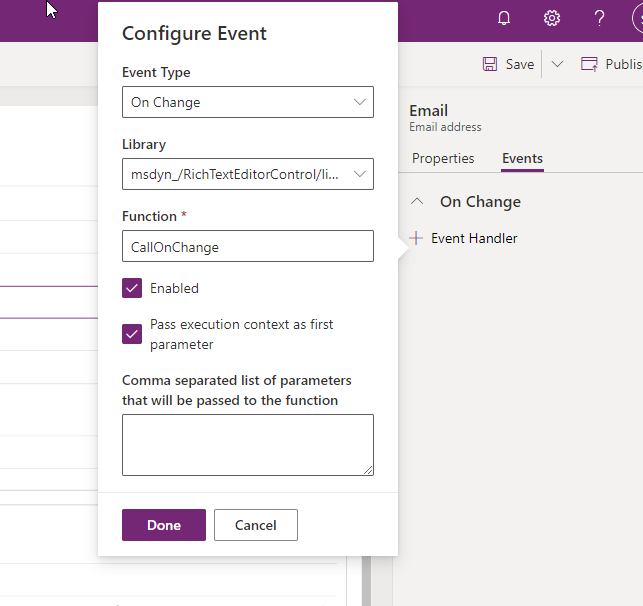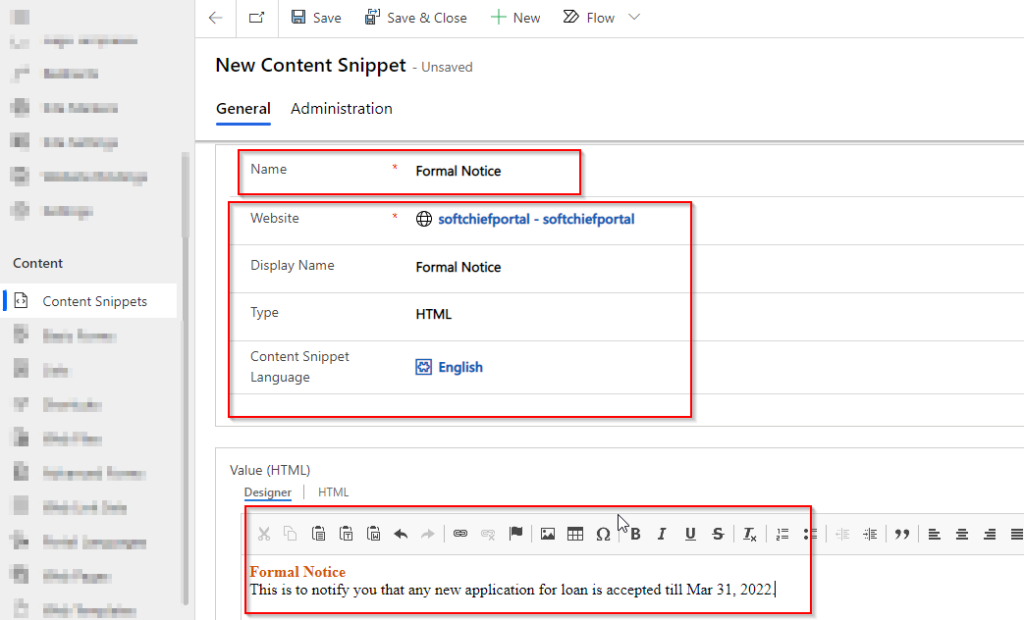
The table could not be updated:Languageld should not be null
Sometimes you might have seen this error. The table could not be updated:Languageld should not be null. Solution : Connect Microsoft Technical Team
In our projects we write custom codes to calculate age of a specific customer either using JavaScript or custom workflows. Sometime we use plugins. But using Power Automate Flow we can build a flow which will calculate the age by date of birth just using Expression steps. Sample Code Format Watch the video here. I…
Read more
While working with Power Automate I found the below issue in Failure reason of the Power Automate. I have just added an Action to create a TASK record in Microsoft DataVerse and in the Regarding field I have assigned the Lead unique identifier. But instead of using direct table unique identifier if you use like…
Read more
Today’s businesses need the right ERP to help their employees manage critical business processes, make better and quicker decisions, and make the most of their resources. If applied correctly, Microsoft Dynamics 365 will take the company to new heights. To Ensure Dynamics 365 Implementation Success Check out these four pointers for a good Dynamics 365…
Read more
Which one of these statements about Git is true? A. Git helps manage the history of the project. B. Each version of the project is called a branch. C. A commit containing one small change to a project is not practical. Ans: A This is covered in ‘DevOps and Git in a Nutshell’. Which one…
Read more
Microsoft Power Platform Training with Softchief Learn: Empowering Your Digital Transformation. In today’s digital era, organizations are constantly seeking ways to optimize their operations, enhance productivity, and drive innovation. Microsoft Power Platform has emerged as a robust suite of tools designed to empower businesses to achieve these goals through low-code/no-code solutions. At Softchief Learn, we…
Read more
When you work with building Power Apps portals, as you make updates to pages, assign users to Web Roles or make any other changes, you want to see these changes immediately on the portal. You are likely very much aware of the Portal studio Browse Website function or the Clear Cache button available in the /_services/about page for administrators. But the…
Read more
Microsoft Dynamics 365 is becoming the largest implemented Enterprise Business Application in these days and starting from small scale industry to mid and large scale industry use this D365 applications to leverage its customer relationship and customer engagement with Finance and operations capability. So learning Dynamics 365 and Power Platform is now in demand so…
Read more
By default the portal contains a default banner image as below. But if you want top update the banner image with your new image then follow the steps below. Go to Portal Management APP and Web Files. Search for Homehero.jpg web file and open it then navigate to Notes section. In the Notes section you…
Read more
In this post we will discuss how to add or update Favicon for dynamics 365 portals. Follow the instruction below to add favicon for your portal site. STEP 1 : Prepare your .ICO file before proceed further. If you have .PNG file of .JPG file then convert to .ICO file. You can any online site…
Read more
Sometimes you are wondering why you are not able to see the clear cache option in power portal although you are using the below URL format to render the page. You might see only below image when you hit the _Service/about page. The problem is you are trying the above URL either without logging in…
Read more
LIQUID OPERATORS (Click here for the details) == Equals!= Does not equal> Greater than< Less than>= Greater than or equal to<= Less than or equal toOr Condition A or condition BAnd Condition A and condition B startswith tests whether a string starts with a given substring. endswith tests whether a string ends with a given substring contains tests for…
Read more
Open a model driven app and then select Settings > Advanced Settings. Select Settings > Administration > System Settings. On the General tab, select Show Bing Maps on forms, and then select OK. Watch the video below for more practical methods.
In Dynamics 365, Pre-Validation and Pre-Operation stages are both Pre-events which occurs before the core operation. But there is significance differences between them which will give you points to decide when to use Pre-validation and When to use Pre-Operation. Pre-Validation Pre-Operation Pre-validation stage executes outside Database Transaction which will not rollback the entire operations written…
Read more
The below code can be used when you want to write business logic to perform CRUD (Create, Retrieve, Update and Delete) from C# Console Application to Connect Dynamics 365 Online Environment. The App ID is copied from Azure Active Directory App Registration Screen. To see how you can Register an application in Azure watch the…
Read more
While you are working on Plugins you may face such kind of exception so in this post I have explained about the solution and Root Cause. ERROR YOU GET SOLUTION The ROOT Cause of this error is when Dynamics 365 is Expecting a Different Data Type of a Field Value and You are passing with…
Read more
Sometimes you will get issues while registering plugins for Dynamics 365 online like below. The solution is given below scroll. EXCEPTION WHILE REGISTERING PLUGIN SOLUTION: Its just about selecting correct and compatible versions of .NET Framework and Core Assembly. While creating Class Library Project for Plugin Choose Class Library Project with .NET Framework and the…
Read more
Using Form Script and Ribbon Workbench we can create a functionality which will clone a record info to another record. Read the below article to understand the process. Cloning is one of the methods which can reduce the time spent on data entry, particularly if the same case record data being entered is similar. Cloning…
Read more
In Power Apps Canvas Apps we were able to configure Push Notification for mobile device so that we can get push notification in mobile whenever an action performed in Canvas App. But in Model Driven APP it was not available. Now as a part of 2021 Release Wave 1 Power Apps / Dynamics 365, we can…
Read more
If you are facing error while connecting Dynamics 365 from Console Application then use OAuth to connect using below code. update your code as per below.
While connecting with Dynamics 365 from Console Applications if you are getting the below error then read this blog for solution. System.ServiceModel.Security.MessageSecurityException: ‘An unsecured or incorrectly secured fault was received from the other party. See the inner FaultException for the fault code and detail.’FaultException: Authentication Failure Solution If Your Multi-Factor Authentication is enabled then this…
Read more
In this Post I will explore regarding the below facts. What is MFA for Microsoft Business Applications? How to Configure or Setup MFA? Pinpoints and Resolution of Dynamics 365 and Power Platform Developers around MFA Configuration. So Lets get started. What is MFA (Multi-Factor Authentication) for Microsoft Business Applications ? Microsoft Multi-Factor Authentication (MFA) is…
Read more
In this post I will explain how to create a SSRS Report for Dynamics 365 Application. For this post we need to have SQL Data Tools 2015 (Choose the correct version of visual studio) and Report Authoring Extension package. If you want to watch the video then watch the below video where I have explained…
Read more