
[Solved] Request to XRM API failed with error: ‘Message: Failed to find connection references with logical name(s) ‘shared-commondataser-5436b612-ee7e-46da-9055-cf00-bdcd2204’. Please check if connection references exists. Code: 0x80040216 InnerError: ‘.
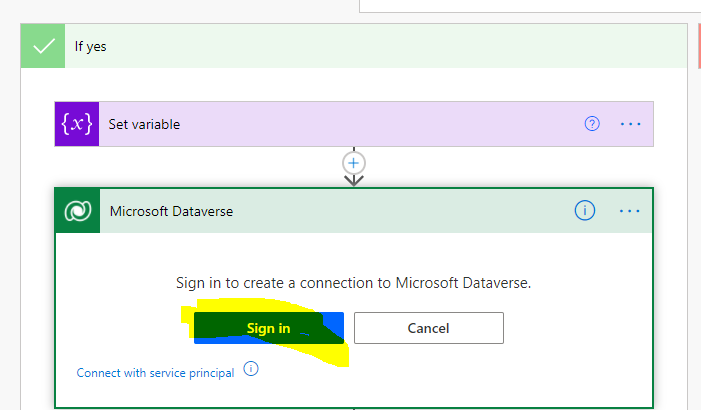
While working with Power Automate you may face this error “Request to XRM API failed with error: ‘Message: Failed to find connection references with logical name(s) ‘shared-commondataser-5436b612-ee7e-46da-9055-cf00-bdcd2204’. Please check if connection references exists. Code: 0x80040216 InnerError: ‘.”

When you get this issue:
- When you copy paste Actions steps of one Flow to Other and use the step using Clip board.
- When you have multiple Connection References to same connector.
Solution :
Reauthenticate your connection and it will work.









