Dynamics 365 Scenario Based Questions and Answers Part -1
Here You can download Dynamics 365 Scenario Based Questions and Answers Part -1. Hope this helps.
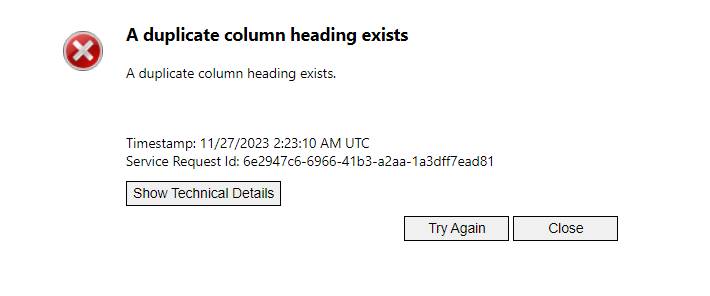
You may encounter the error while downloading Template for data import as A duplicate column heading exists. The root cause is that, your table has multiple columns with same Display Name. Solution: Navigate to your solution/ Default Solution. Open the table all columns and sort by A to Z. Then scroll down to check the…
Read more
var InvestmentEntity = InvestmentEntity || {};InvestmentEntity.ROI = InvestmentEntity.ROI || {}; InvestmentEntity.ROI.AutoPupulateROI = function (executioncontext) {var FormContext = executioncontext.getFormContext(); } InvestmentEntity.ROI.ValidateAmount = function (executioncontext) {var FormContext = executioncontext.getFormContext();var amount = FormContext.getAttribute(“metro_amount”).getValue(); }
You can delete notes, attachments, import history, and other data to free up storage space. Before you delete data, be sure that the data is no longer needed because you cannot retrieve deleted data. There is no “undo” to restore your data once it has been deleted. Follow below articles where the explanation given how…
Read more
If you are writing powerfx for your command button but not able to find the target entity in your powerfx intellisense then follow below video for solution.
Here is a sample code which creates a child record from a command button on parent table form. This code is called from command button so you need to pass Primary Control parameter to javascript. Hope it works.
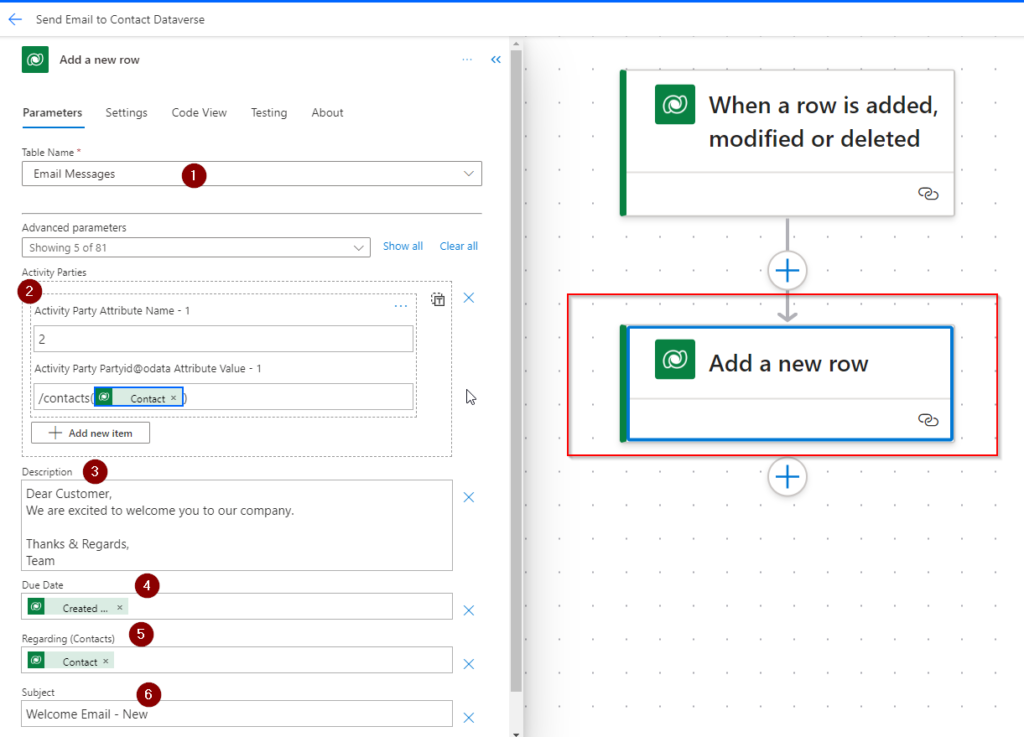
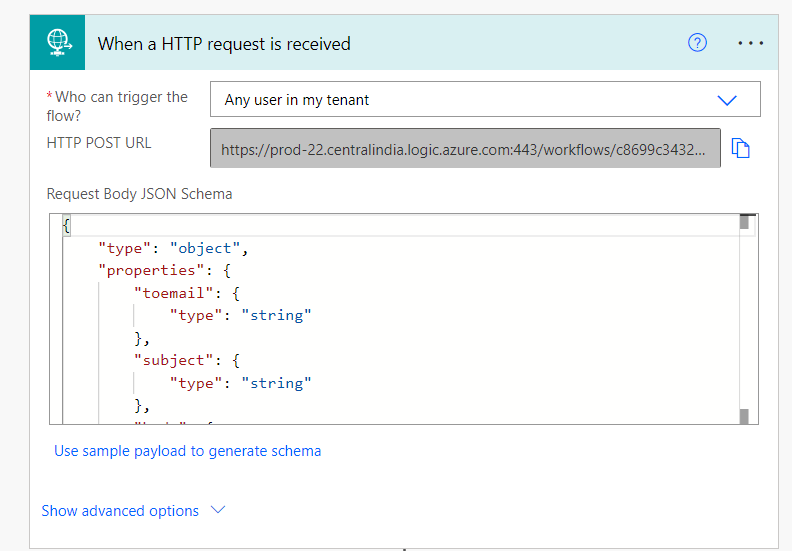
Dynamics 365 CE supports sending emails using server side synchronization. In this mechanism you can create an Email Message Record and Use a Bound Action to send the email message. Here No Outlook connector required to send email. Follow the steps below how to create the Flow: Step 1 – Create Trigger Open Power Automate…
Read more
Here in this example you will learn how to open a HTML Web Resource and pass parameters tot web resource and use of navigateTo function. JS Code below. HTML Web Resource
AI is now everywhere. In Power Virtual Agent, you can also use AI Capability to use Generative AI so that Chatbot can respond to the user. In Non-AI era, when a Chatbot receives non-identified phrase twice , it escalates the conversation with a real human agent. But instead of this now you can configure Generative…
Read more
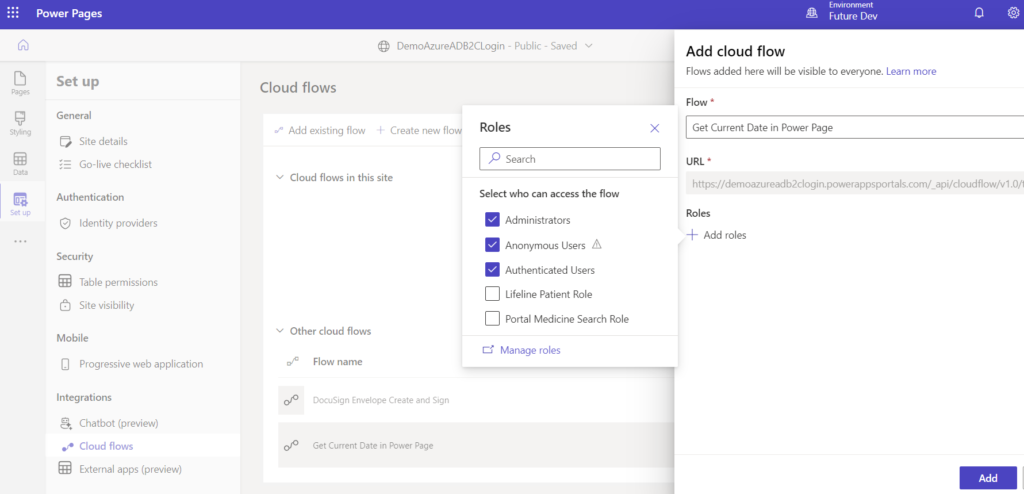
Step 1 : Create a Power Automate Flow with Power Page Trigger Navigate to https://make.powerpages.microsoft.com/ and select correct environment. Choose Solutions option from sitemap and select an existing solution or create a new solution. Add a new cloud flow with trigger Power Pages. Add required parameters. Step 2 – Add action to return reverse String…
Read more
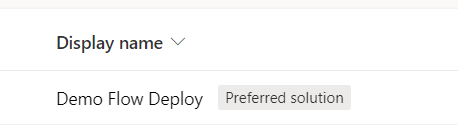
Preferred solution will help you to automatically add your component changes to a specific solution selected as preferred. So that any solution or default solution you use to change component, those will be added in the preferred solution. Follow the process below to work with preferred solution Step 1 – Enable Preferred Solution option Feature…
Read more
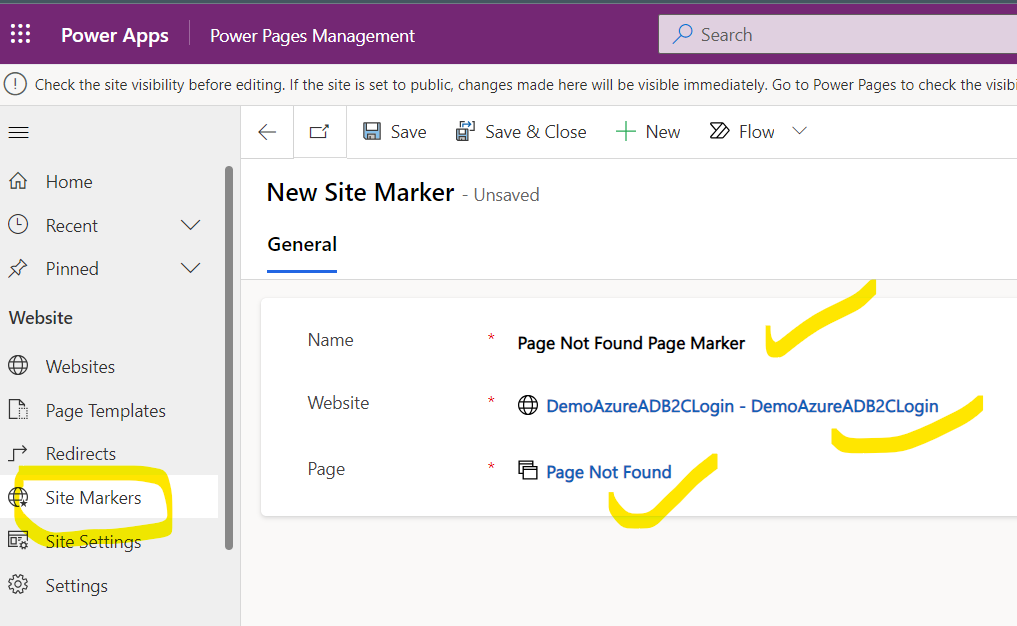
Site markers are configurable, named value that points to a web page on your power page/portal website that is accessed in code in place of a hard-coded URL. Most of the times you might be using URLs in some links element which are hard coded or static. But as a best practice and better management,…
Read more
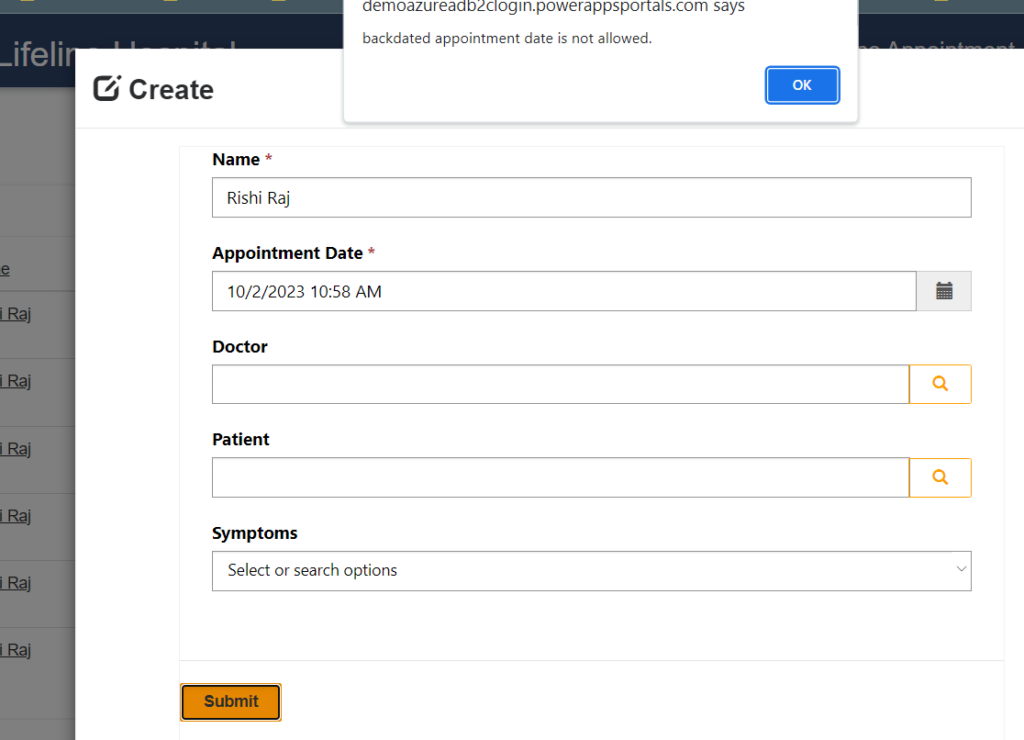
If you want to get Date & Time field value and want to compare with current date so that you do not want to allow submitting back dated value then use below code in power portal/power page form. Now when user will submit with back dated appointment, then submit button will not work. If future…
Read more
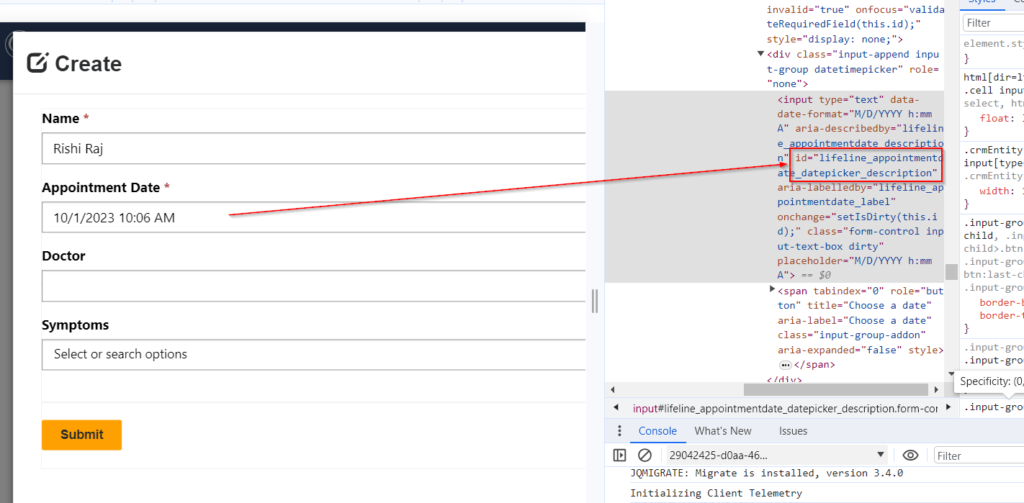
Handling change event in jQuery for Date Time fields is not straight forward like normal text fields. Use following method to handle onchange. Hope this helps.
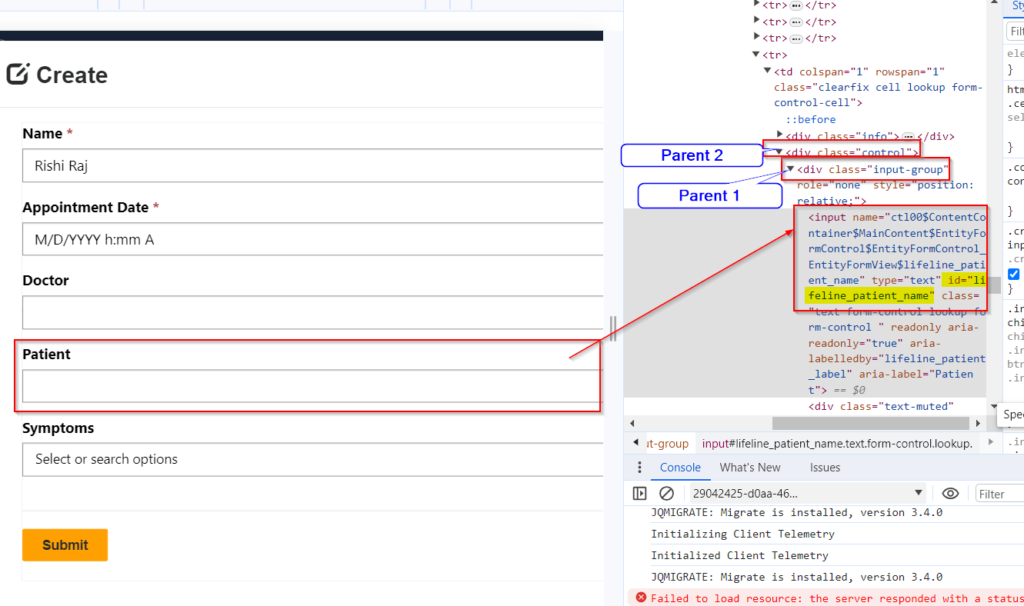
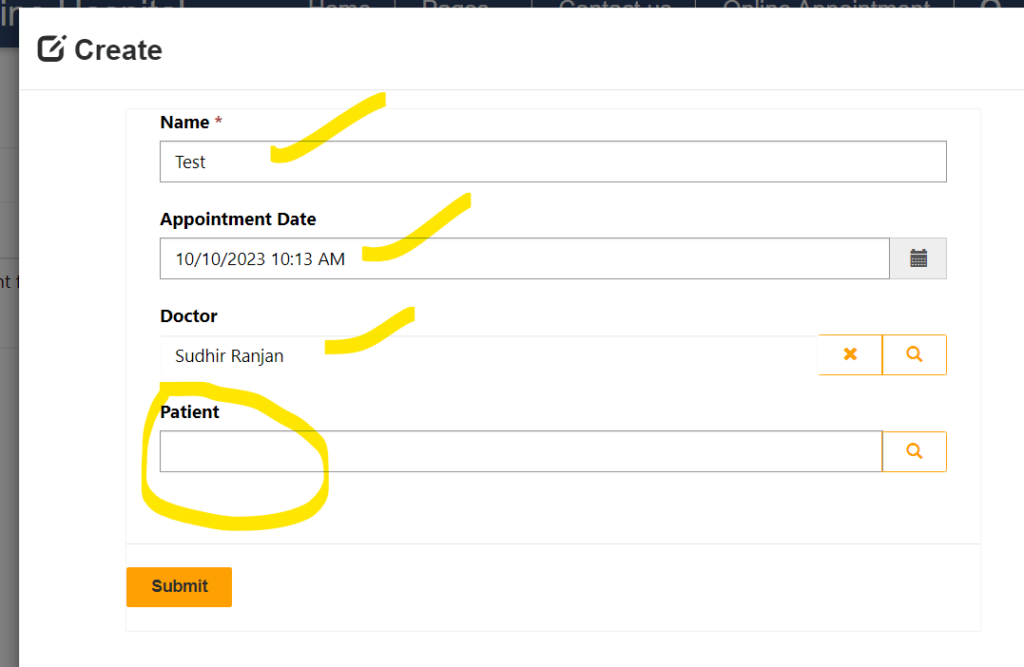
Sometimes there is a business need that you need to create a Dataverse record which contains a contact lookup. For example the below form contains a lookup field Patient. Here for my case Contact entity display name is Patient. The business need is, when a new record is created using above form, the Patient lookup…
Read more
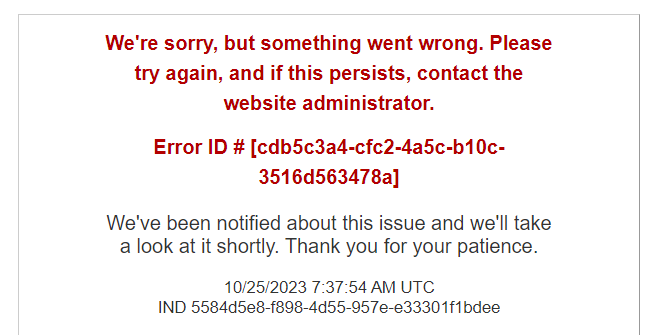
Sometimes you can get error as below in Power Pages. “Something went wrong” issue. To troubleshoot this issue, Disable Custom Error and check the exact error. Follow steps below. Step 1 – Open https://make.powerpages.microsoft.com/ and select correct environment and select the power page and select 3 dots to open Admin Center. Step 2 – In…
Read more
You can use C# code in a custom connector and which can be called as a connector from power apps or power automate. Follow these steps. Step 1 – Create a Custom connector with Name and Host Step 2 – Add No Security for this Step 3 – Add Definition Request Add Request option using…
Read more
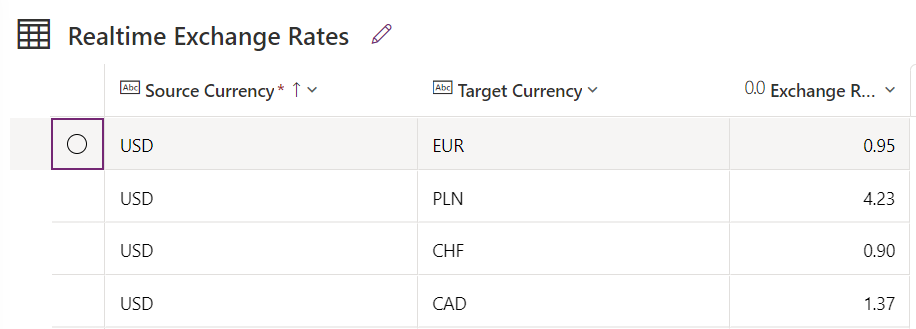
In this example, you will come to know how to use Do until loop in Power Automate when you want to run LOOP for a specific condition met. Scenario: Need to Build a Flow which will get JSON response from a Third Party Web API request called as Currency Layer to get Live Exchange Rates…
Read more
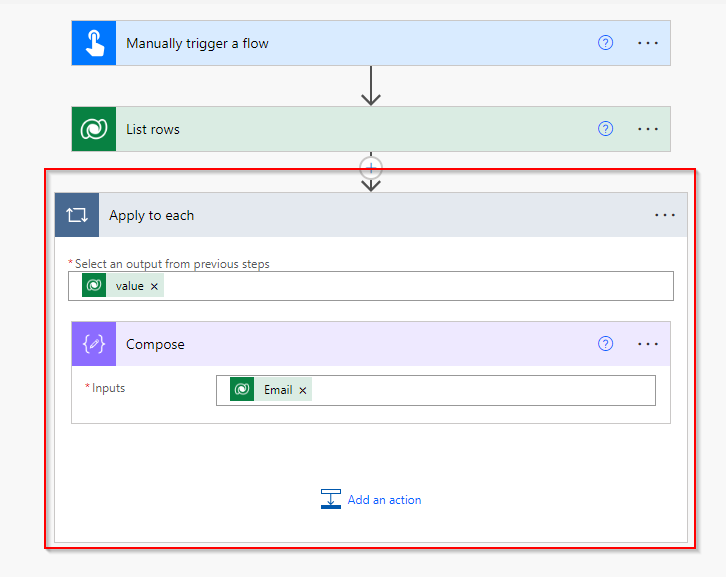
Problem Statement When you retrieve a record from Dataverse or any data source by using filter condition using List Rows, it returns the matching records from the table which you can use loop for further action steps in Power Automate. But sometimes when you have no primary key value with you and you want to…
Read more
In this Post, you will see how you can use Array manipulation using Array Filters, Loops, Variables and SetProperty Scenario in Power Automate. Scenario: We have the below records in the table. There may be multiple records for a single doctor with patient count 1 for every row. The requirement is to send a consolidated…
Read more
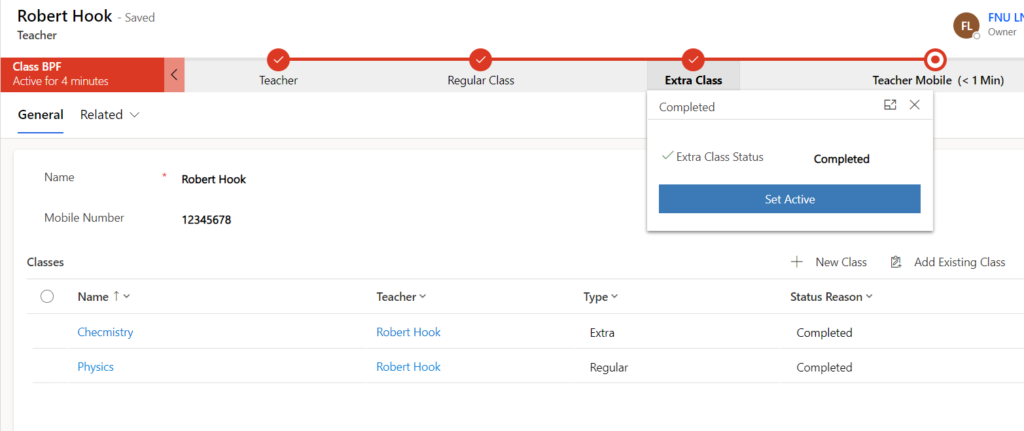
In this Post, you will come to know how to Automatically Set the Active Stage and Move the stages automatically as per child record field update. Business Requirement There is a business use case, which tells that, there are two table Teacher (1) and Classes (N) . Every time a Teacher is created in the…
Read more
Here is a list of operators you can use in condition step in Power Automate. Hope it helps.