
Azure Storage Services Explained: Blob, Queue, Table and File Storage Complete Guide
Introduction
Modern applications generate massive amounts of data every second. From documents and images to application logs, transactions and communication messages, businesses need a storage solution that is secure, scalable and highly available.
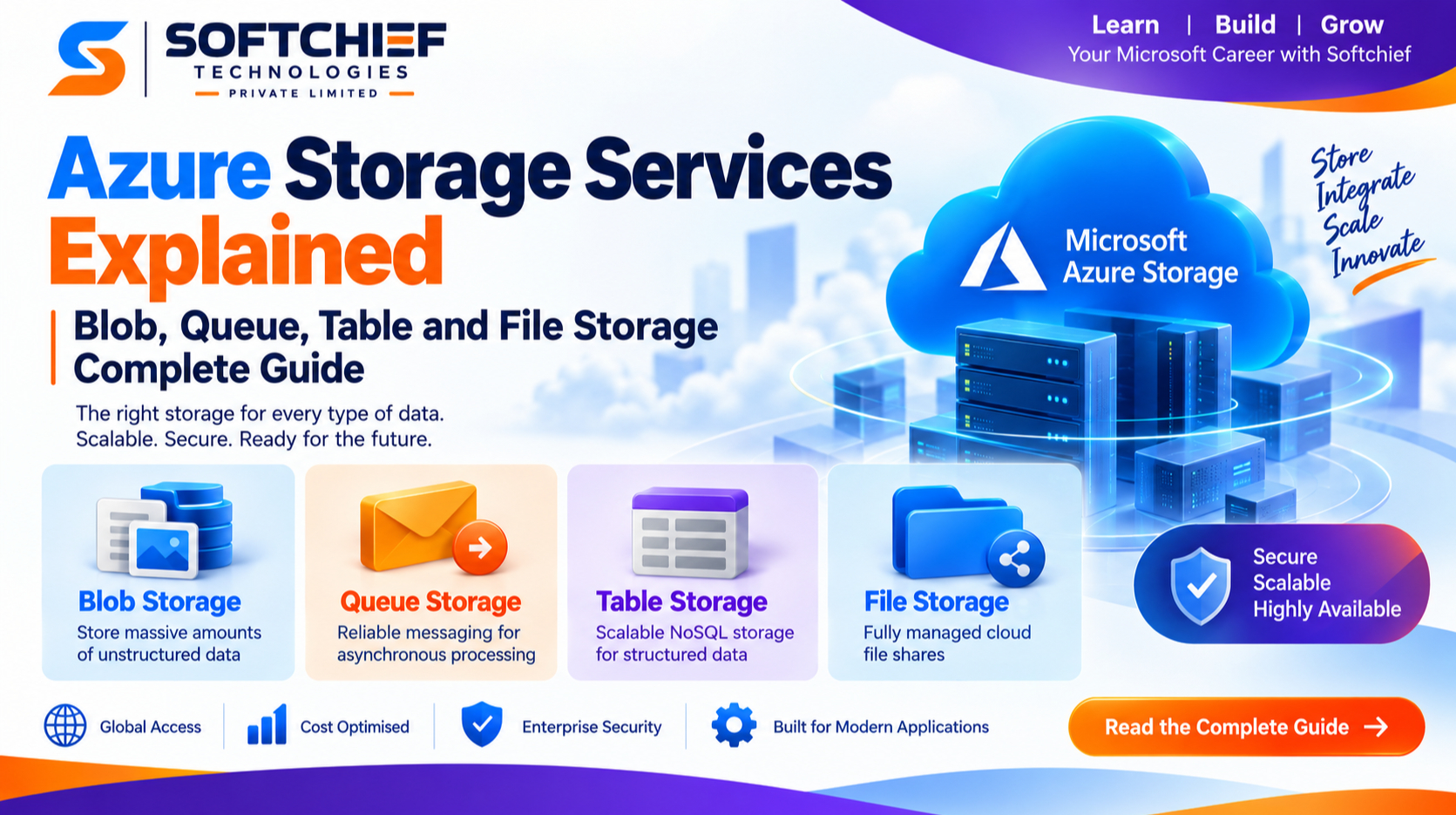
Microsoft Azure provides a comprehensive cloud storage ecosystem designed to meet different business and application requirements. Among its most widely used services are:
- Azure Blob Storage
- Azure Queue Storage
- Azure Table Storage
- Azure Files
These services are part of Azure Storage Account, a foundational component of Microsoft Azure that enables organisations to store, manage and access data securely at any scale.
Understanding the differences between Azure Storage services is essential for architects, developers, cloud engineers and organisations planning cloud migration strategies.
This guide explains Azure Blob, Queue, Table and File Storage, their features, use cases, architecture considerations and best practices.
What is Azure Storage?
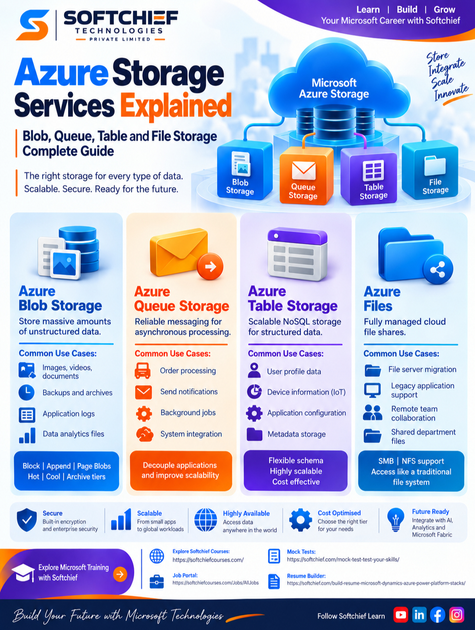
Azure Storage is Microsoft’s cloud-based storage platform that provides highly scalable, durable and secure data storage capabilities.
It is designed to support:
- Enterprise applications
- Web applications
- Mobile applications
- Data analytics platforms
- Backup solutions
- Disaster recovery strategies
- AI and machine learning workloads
Azure Storage provides:
- High availability
- Global accessibility
- Data encryption
- Automated replication
- Flexible performance options
- Enterprise security controls
A key advantage of Azure Storage is that organisations can choose the right storage type depending on the nature of their data.
Understanding Azure Storage Accounts
Before exploring individual storage services, it is important to understand the concept of an Azure Storage Account.
A Storage Account provides a secure namespace for storing different types of Azure data.
A single storage account can contain:
- Blob containers
- File shares
- Tables
- Queues
Example:
A retail organisation may use:
- Blob Storage for product images
- Queue Storage for order processing messages
- Table Storage for customer preferences
- Azure Files for shared documents
Azure Blob Storage
What is Azure Blob Storage?
Azure Blob Storage is an object storage service designed for storing large amounts of unstructured data.
The term “Blob” stands for Binary Large Object.
Blob Storage can store:
- Images
- Videos
- Documents
- Audio files
- Backups
- Application logs
- Data analytics files
- Virtual machine disks
Unlike traditional file systems, Blob Storage stores data as objects inside containers.
Azure Blob Storage Architecture
Blob Storage consists of three main components:
Storage Account
The top-level container for Azure Storage resources.
Container
A logical grouping of blobs.
Similar to a folder in a traditional file system.
Blob
The actual data object stored inside a container.
Example:
Storage Account
      |
      |-- Marketing Container
              |
              |-- ProductImage01.jpg
              |-- ProductImage02.jpg
Types of Azure Blob Storage
Azure Blob Storage provides three main blob types.
1. Block Blob
Block blobs are designed for storing large amounts of data efficiently.
Common uses:
- Documents
- Images
- Videos
- Application files
Example:
A media company storing thousands of customer-uploaded videos.
2. Append Blob
Append blobs are optimised for adding data continuously.
Common uses:
- Logging systems
- Monitoring data
- Event recording
Example:
An application writing security logs continuously.
3. Page Blob
Page blobs support random read/write operations.
Common uses:
- Azure Virtual Machine disks
Example:
Operating system disks attached to Azure VMs.
Azure Blob Storage Access Tiers
Azure provides different access tiers to optimise cost.
Hot Tier
Designed for frequently accessed data.
Examples:
- Active application files
- Website images
Cool Tier
Designed for occasionally accessed data.
Examples:
- Monthly reports
- Archived documents
Archive Tier
Designed for rarely accessed data.
Examples:
- Long-term backups
- Compliance records
Real-World Blob Storage Example
An e-commerce organisation stores:
- Product images
- Customer invoices
- Marketing videos
Using Blob Storage allows the organisation to:
- Scale storage automatically
- Reduce infrastructure costs
- Access files globally
- Secure data using encryption
Azure Queue Storage
What is Azure Queue Storage?
Azure Queue Storage is a messaging service used to store and manage large numbers of messages between application components.
It enables asynchronous communication between systems.
Instead of one application waiting for another process to complete, messages are placed into a queue and processed later.
Why Use Queue Storage?
Modern applications often require background processing.
Examples:
- Sending emails
- Processing payments
- Generating reports
- Image processing
- Order fulfilment
Queue Storage improves:
- Application scalability
- Performance
- Reliability
Azure Queue Storage Architecture
A typical workflow:
Application
     |
     |
Creates Message
     |
     |
Azure Queue Storage
     |
     |
Background Worker
     |
     |
Process Completed
Example: Online Shopping Application
Without Queue Storage:
Customer places order → System processes payment → Sends email → Updates inventory
The customer waits for all operations.
With Queue Storage:
Customer places order → Order message stored → Background services process tasks
Benefits:
- Faster user experience
- Better scalability
- Reliable processing
Common Azure Queue Storage Use Cases
Order Processing
Store customer orders for backend processing.
Notification Systems
Queue messages for:
- Email notifications
- SMS alerts
- Push notifications
Background Jobs
Process:
- Data imports
- File conversions
- Reports
Azure Table Storage
What is Azure Table Storage?
Azure Table Storage is a NoSQL key-value storage service designed for storing structured, non-relational data.
It is suitable when applications require:
- Large-scale storage
- Fast access
- Flexible schemas
Unlike relational databases, Table Storage does not require fixed table structures.
Azure Table Storage Structure
Table Storage contains:
Table
A collection of entities.
Entity
A single record.
Properties
Attributes stored inside an entity.
Example:
Customer Table:
| Customer ID | Name | Location |
|---|---|---|
| 1001 | John | London |
| 1002 | Sarah | Manchester |
Benefits of Azure Table Storage
Flexible Schema
Different entities can contain different properties.
Example:
Customer A:
Name
Email
Phone
Customer B:
Name
Email
MembershipLevel
Massive Scalability
Designed for applications requiring millions of records.
Cost Effective
Provides a lower-cost alternative for certain NoSQL workloads.
Common Azure Table Storage Use Cases
User Profile Data
Store:
- Preferences
- Settings
- Application configuration
Device Information
Used in IoT applications.
Example:
Store information from thousands of connected devices.
Metadata Storage
Store:
- Application configuration
- File metadata
- Tracking information
Azure Files
What is Azure Files?
Azure Files provides fully managed cloud file shares accessible through standard file system protocols.
It allows organisations to move traditional file server workloads to Azure.
Azure Files supports:
- SMB protocol
- NFS protocol
Azure Files Architecture
Users and applications can access files similar to traditional network drives.
Example:
Employee Computers
        |
        |
Azure File Share
        |
        |
Cloud Storage
Common Azure Files Use Cases
File Server Migration
Organisations can replace on-premises file servers.
Example:
A company moves shared department documents to Azure Files.
Application Migration
Legacy applications requiring file shares can run in Azure without major changes.
Remote Team Collaboration
Employees can access shared files securely from different locations.
Azure Blob Storage vs Azure Files
| Feature | Blob Storage | Azure Files |
|---|---|---|
| Storage Type | Object Storage | File Storage |
| Data Access | REST APIs | SMB/NFS |
| Best For | Unstructured data | Shared files |
| Example | Videos, images | Documents |
| Structure | Containers | File shares |
Azure Queue Storage vs Azure Table Storage
| Feature | Queue Storage | Table Storage |
|---|---|---|
| Purpose | Messaging | Data Storage |
| Data Type | Messages | NoSQL Records |
| Usage | Communication | Application Data |
| Example | Order processing | User profiles |
Choosing the Right Azure Storage Service
The right storage service depends on business requirements.
Use Blob Storage When:
You need:
- Large file storage
- Media storage
- Backup solutions
- Data lakes
Use Queue Storage When:
You need:
- Asynchronous processing
- Application communication
- Background tasks
Use Table Storage When:
You need:
- NoSQL storage
- Flexible data models
- High scalability
Use Azure Files When:
You need:
- Shared file access
- File server replacement
- Legacy application support
Security Best Practices for Azure Storage
Security should be a priority when designing cloud storage solutions.
1. Enable Encryption
Azure automatically encrypts stored data.
Additional controls include:
- Customer-managed keys
- Key Vault integration
2. Use Identity-Based Access
Use:
- Microsoft Entra ID authentication
- Role-Based Access Control (RBAC)
Avoid unnecessary access keys.
3. Enable Network Security
Protect storage accounts using:
- Private endpoints
- Firewall rules
- Virtual network integration
4. Monitor Storage Activity
Use:
- Azure Monitor
- Storage analytics
- Diagnostic logs
to track:
- Access attempts
- Performance issues
- Security events
Azure Storage and Cloud Application Architecture
Modern cloud applications often combine multiple Azure Storage services.
Example:
A banking application may use:
Blob Storage
For:
- Customer documents
- Statements
Queue Storage
For:
- Transaction processing
Table Storage
For:
- Customer preferences
Azure Files
For:
- Internal document sharing
Together, these services create scalable and reliable cloud solutions.
Future of Azure Storage with AI and Analytics
Azure Storage continues to evolve with modern cloud requirements.
Integration with services such as:
- Azure AI services
- Azure Synapse Analytics
- Microsoft Fabric
allows organisations to:
- Analyse large datasets
- Build AI solutions
- Create intelligent applications
Storage is no longer just a place to keep data; it has become a foundation for innovation.
Conclusion
Azure Storage Services provide organisations with flexible solutions for every type of data requirement.
Whether storing massive files with Azure Blob Storage, enabling application communication through Queue Storage, managing scalable NoSQL data with Table Storage or replacing traditional file servers with Azure Files, Microsoft Azure provides secure and scalable cloud storage capabilities.
Understanding when and how to use each Azure Storage service is essential for architects, developers and businesses building modern cloud applications.
By selecting the right storage architecture and following security best practices, organisations can create applications that are reliable, cost-effective and ready for future growth.









