
What is Microsoft Dynamics 365 Business Central? A Complete Beginner’s Guide (2026)
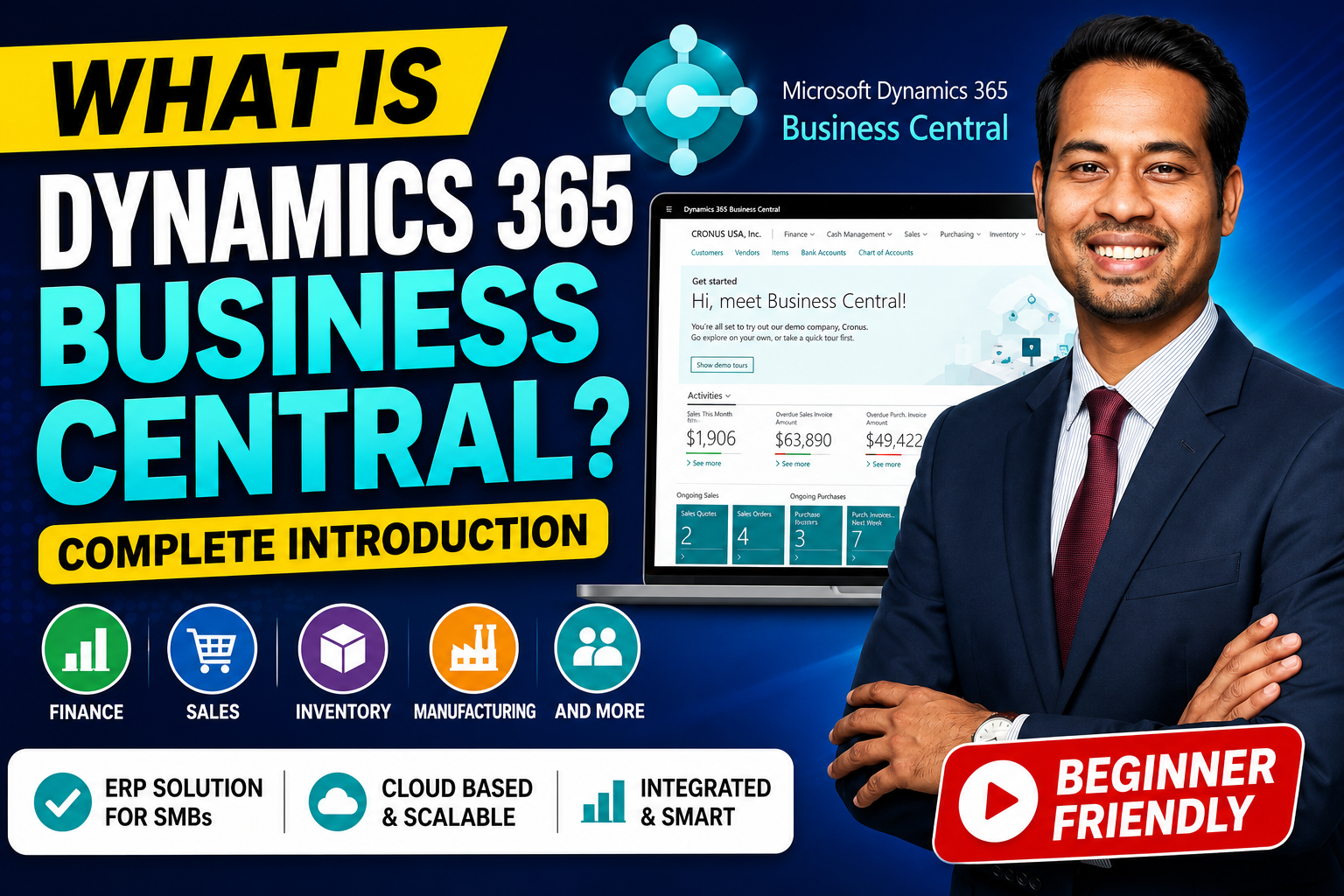
In today’s competitive business environment, companies need an intelligent solution to manage their finances, sales, inventory, purchasing, manufacturing, and customer operations—all from a single platform. This is where Microsoft Dynamics 365 Business Central (D365 BC) comes in.
Whether you’re a business owner, ERP consultant, developer, or someone planning a career in Microsoft technologies, this guide will help you understand everything you need to know about Dynamics 365 Business Central.
Watch the video or scroll to read.
What is Dynamics 365 Business Central?
Microsoft Dynamics 365 Business Central is Microsoft’s cloud-based Enterprise Resource Planning (ERP) solution designed for small and medium-sized businesses (SMBs).
It enables organizations to manage their entire business—from finance and accounting to sales, inventory, manufacturing, projects, and customer service—through one integrated application.
Business Central is the modern evolution of Microsoft Dynamics NAV (Navision) and is built on Microsoft’s cloud platform with seamless integration across the Microsoft ecosystem.
Why Do Businesses Need an ERP System?
As businesses grow, managing operations using spreadsheets or multiple disconnected applications becomes increasingly difficult.
Common business challenges include:
- Manual accounting processes
- Poor inventory visibility
- Delayed financial reporting
- Lack of real-time business insights
- Disconnected departments
- Difficulty managing customers and vendors
An ERP system like Business Central centralizes all business processes into a single platform, improving efficiency, collaboration, and decision-making.
Key Features of Dynamics 365 Business Central
Business Central provides a comprehensive suite of business management capabilities, including:
- Financial Management
- Sales Management
- Purchasing
- Inventory Management
- Warehouse Management
- Manufacturing
- Project Management
- Service Management
- Supply Chain Management
- Business Intelligence
- Workflow Automation
- AI-powered Copilot Assistance
Core Modules of Business Central
1. Financial Management
Finance is the backbone of every organization.
Business Central helps organizations manage:
- General Ledger
- Accounts Payable
- Accounts Receivable
- Fixed Assets
- Bank Reconciliation
- Cash Flow Forecasting
- Budgets
- Financial Reporting
- GST/VAT Management
- Multi-Currency Accounting
Benefits include:
- Faster month-end closing
- Real-time financial reporting
- Better compliance
- Improved cash flow management
2. Sales Management
Manage your complete sales lifecycle:
- Customer Management
- Sales Quotes
- Sales Orders
- Pricing
- Invoicing
- Returns
- Credit Management
Benefits:
- Faster order processing
- Better customer experience
- Improved revenue tracking
3. Purchasing
Simplify procurement with:
- Vendor Management
- Purchase Quotes
- Purchase Orders
- Receipts
- Vendor Invoices
- Payments
Benefits:
- Better supplier relationships
- Reduced purchasing costs
- Automated procurement processes
4. Inventory Management
Track inventory in real time with features such as:
- Item Management
- Stock Levels
- Lot Tracking
- Serial Number Tracking
- Item Transfers
- Warehouse Locations
- Reordering Policies
Benefits:
- Reduce stock shortages
- Avoid overstocking
- Improve inventory accuracy
5. Manufacturing
Manufacturers can efficiently manage production through:
- Production Orders
- Bill of Materials (BOM)
- Routing
- Capacity Planning
- Material Requirements Planning (MRP)
- Shop Floor Management
Benefits:
- Improved production planning
- Lower manufacturing costs
- Better resource utilization
6. Warehouse Management
Warehouse capabilities include:
- Put-away
- Picking
- Shipping
- Bin Management
- Warehouse Receipts
- Inventory Movement
Benefits:
- Faster warehouse operations
- Accurate inventory movement
- Reduced fulfillment errors
7. Project Management
Organizations can manage projects using:
- Jobs
- Tasks
- Resources
- Time Sheets
- Project Budgeting
- Cost Tracking
Benefits:
- Better project visibility
- Improved profitability
- Efficient resource allocation
8. Service Management
Support customer service operations through:
- Service Orders
- Service Contracts
- Repairs
- Maintenance Scheduling
Benefits:
- Higher customer satisfaction
- Efficient service operations
Business Central Architecture
Business Central follows a cloud-first architecture.
Users access Business Central through a web browser or mobile app. The application securely stores business data and integrates seamlessly with Microsoft services such as Microsoft 365, Power BI, Power Apps, Power Automate, Azure, and Dataverse.
This connected ecosystem allows businesses to automate workflows, analyze data, and build custom applications with minimal effort.
Microsoft Ecosystem Integration
One of Business Central’s biggest strengths is its deep integration with Microsoft products.
It integrates seamlessly with:
- Microsoft Excel
- Microsoft Outlook
- Microsoft Teams
- Power BI
- Power Apps
- Power Automate
- Dataverse
- Azure Services
- SharePoint
- Dynamics 365 Sales
- Microsoft Copilot
These integrations enable organizations to automate business processes and improve productivity without switching between multiple applications.
AI with Microsoft Copilot
Microsoft has integrated Copilot AI into Business Central to help users work more efficiently.
Copilot can assist with:
- Creating product descriptions
- Drafting sales emails
- Summarizing business data
- Automating repetitive tasks
- Improving financial analysis
- Enhancing productivity
AI reduces manual effort and enables employees to focus on higher-value activities.
Business Central vs Dynamics 365 Finance & Operations
Although both products belong to the Dynamics 365 family, they serve different business sizes.
| Business Central | Finance & Operations |
|---|---|
| Designed for SMBs | Designed for Large Enterprises |
| Faster implementation | Complex implementation |
| Lower licensing cost | Higher licensing cost |
| Simpler customization | Enterprise-grade customization |
| Ideal for growing companies | Ideal for multinational organizations |
If your organization has fewer users and standard ERP requirements, Business Central is typically the better fit. Large enterprises with global operations often require Finance & Operations.
Business Central vs Dynamics 365 Sales
Many people confuse ERP with CRM.
Dynamics 365 Business Central focuses on:
- Finance
- Inventory
- Purchasing
- Manufacturing
- Accounting
- Supply Chain
Dynamics 365 Sales focuses on:
- Leads
- Opportunities
- Accounts
- Contacts
- Sales Pipeline
- Customer Relationship Management
Many organizations integrate both solutions to create a complete business management platform.
Industries Using Business Central
Business Central is widely adopted across industries, including:
- Manufacturing
- Retail
- Wholesale Distribution
- Healthcare
- Pharmaceuticals
- Construction
- Food Processing
- Professional Services
- Logistics
- Education
- E-commerce
Its flexibility allows businesses to adapt it to industry-specific needs.
Benefits of Dynamics 365 Business Central
Organizations choose Business Central because it offers:
- Cloud-based accessibility
- Secure Microsoft infrastructure
- Real-time analytics
- Easy scalability
- Lower operational costs
- Automated workflows
- Strong Microsoft integration
- Regular feature updates
- Mobile accessibility
- AI-powered productivity
Career Opportunities
With the growing adoption of Microsoft Business Applications, professionals skilled in Business Central are in high demand.
Popular career roles include:
- Dynamics 365 Business Central Functional Consultant
- Business Central Technical Consultant
- AL Developer
- ERP Consultant
- Solution Architect
- Support Consultant
- Implementation Consultant
- Solution Developer
These roles offer excellent career growth opportunities across industries worldwide.
Skills Required to Learn Business Central
If you’re planning to build a career in Business Central, focus on learning:
- ERP Fundamentals
- Finance Concepts
- Sales & Purchasing Processes
- Inventory Management
- Manufacturing
- Warehouse Management
- Business Central Administration
- AL Programming Language
- Extensions Development
- API Integration
- Power Platform Integration
- Microsoft Azure Basics
Why Learn Dynamics 365 Business Central?
Business Central is one of Microsoft’s fastest-growing ERP solutions. As organizations continue their digital transformation journey, the demand for skilled Business Central professionals is increasing rapidly.
Learning Business Central can help you:
- Build a high-demand ERP career
- Work with global organizations
- Increase your earning potential
- Expand into Microsoft Business Applications
- Integrate ERP with Power Platform and Azure
Final Thoughts
Microsoft Dynamics 365 Business Central is more than just accounting software—it’s a complete ERP solution that helps organizations manage finance, operations, inventory, sales, purchasing, manufacturing, and projects from a unified platform.
Whether you’re a business owner seeking digital transformation or an IT professional looking to enter the Microsoft ecosystem, Business Central is an excellent investment for the future.
As Microsoft continues to enhance Business Central with AI-powered Copilot, Power Platform integration, and cloud innovations, its importance in the ERP market will only continue to grow.
If you’re just starting your Dynamics 365 journey, Business Central is one of the best Microsoft technologies to learn in 2026 and beyond.
Frequently Asked Questions (FAQs)
Q1. What is Dynamics 365 Business Central?
Dynamics 365 Business Central is Microsoft’s cloud-based ERP solution for small and medium-sized businesses that helps manage finance, sales, purchasing, inventory, manufacturing, projects, and operations.
Q2. Is Business Central an ERP or CRM?
Business Central is an ERP (Enterprise Resource Planning) solution. For CRM, Microsoft offers Dynamics 365 Sales and other Customer Engagement applications.
Q3. Who should learn Business Central?
ERP consultants, accountants, finance professionals, developers, business analysts, and students looking to build a career in Microsoft technologies.
Q4. What programming language is used in Business Central?
Business Central customizations and extensions are developed using the AL programming language in Visual Studio Code.
Q5. Can Business Central integrate with Power Platform?
Yes. It integrates seamlessly with Power Apps, Power Automate, Power BI, Dataverse, Microsoft Teams, Outlook, and Azure services, enabling powerful automation and analytics.









