Top 10 Frequently Asked Dataverse Security Model Interview Questions with Real-World Scenarios for junior to senior role
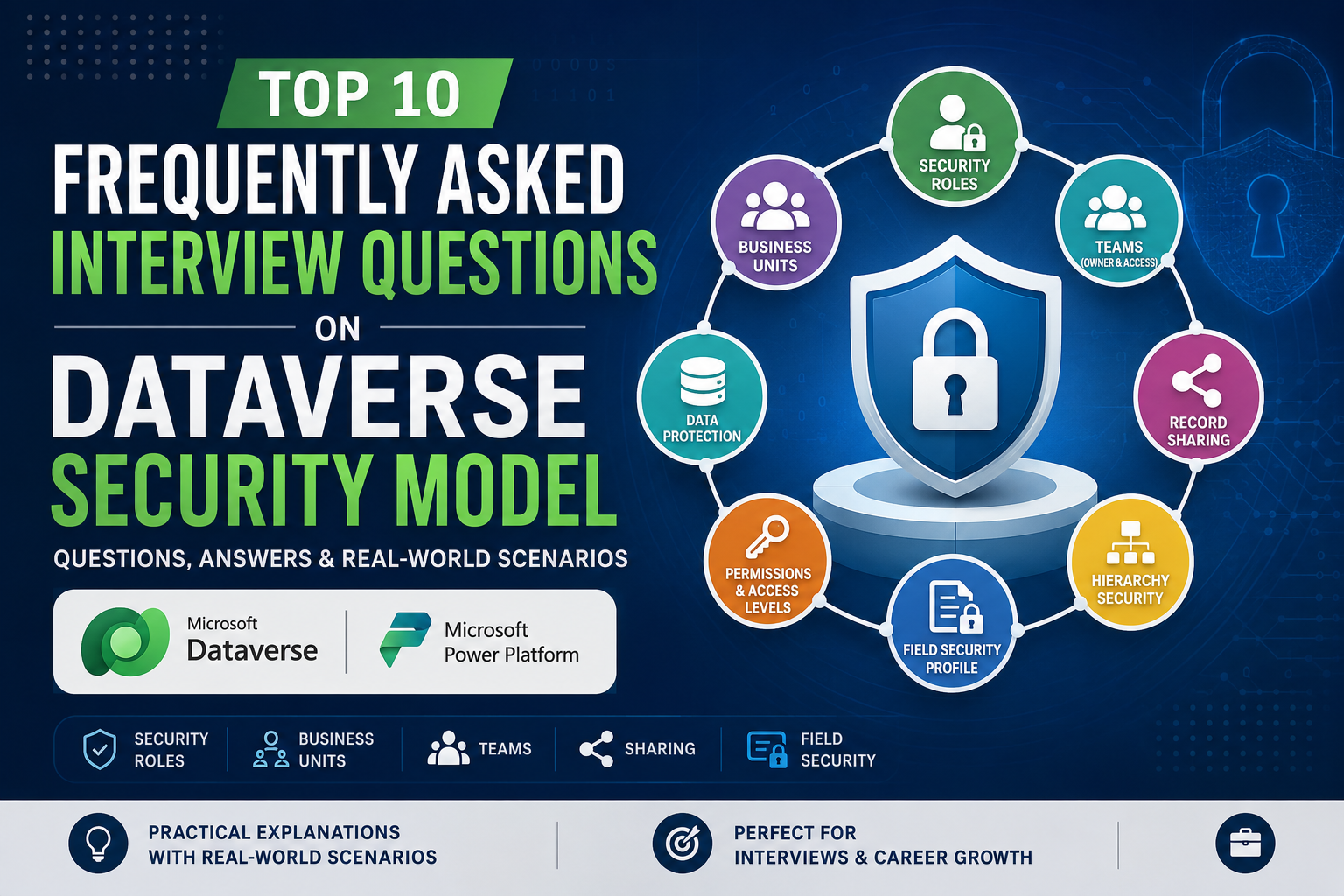
The Dataverse Security Model is one of the most important topics in Dynamics 365 and Power Platform interviews. Whether you are applying for a Developer, Consultant, Functional Consultant, or Solution Architect role, you can expect several questions related to security roles, business units, teams, field security, and record sharing.
In this article, we will explore the Top 10 Dataverse Security Model Interview Questions and Answers along with practical business scenarios that interviewers often use to assess real-world understanding.
1. What are Security Roles in Dataverse?
Answer
Security Roles are collections of privileges that determine what actions users can perform on Dataverse records.
These privileges include:
- Create
- Read
- Write
- Delete
- Append
- Append To
- Assign
- Share
Each privilege can be granted at different access levels:
- User
- Business Unit
- Parent: Child Business Unit
- Organization
Real-World Scenario
A company has 50 Sales Executives. Management wants each executive to see only their own Leads.
Solution:
- Create a Sales Executive Security Role.
- Set Lead Read privilege to User level.
- Set Lead Write privilege to User level.
Result:
Each salesperson can access only the leads they own.
Interview Tip
Security Roles define what users can do, while access levels define which records users can access.
2. Explain the Different Access Levels in Dataverse Security Roles
Answer
Dataverse provides four primary access levels.
| Access Level | Description |
|---|---|
| User | Access own records only |
| Business Unit | Access records within same BU |
| Parent: Child Business Unit | Access records in BU hierarchy |
| Organization | Access all records |
| No Access | Not Allowed Any Record Access |
Real-World Scenario
Company Structure:
Global HQ
|
|-- India BU
|-- USA BU
India Sales Manager should only view Indian opportunities.
Configuration:
- Opportunity Read = Business Unit
Result:
The manager sees all opportunities owned within India BU only.
3. What is the Difference Between User-Level and Organization-Level Access?
Answer
User-Level Access
Users can access only records they own or records shared with them.
Organization-Level Access
Users can access all records across the environment.
Real-World Scenario
A salesperson creates 200 accounts.
With User-Level Read:
- Can view only their own accounts.
With Organization-Level Read:
- Can view all accounts created by anyone.
Interview Tip
Grant Organization-level privileges carefully because they can expose sensitive business data.
4. What is a Business Unit in Dataverse?
Answer
Business Units (BUs) are used to organize users and define security boundaries.
Users belong to one Business Unit.
Security roles often use Business Units to determine record visibility.
Real-World Scenario
A multinational company has:
- India BU
- USA BU
- UK BU
Users in India should not see USA customer records.
By assigning users to separate Business Units, data access can be restricted automatically.
Interview Tip
Business Units are primarily used for data segregation and security management.
5. What is the Difference Between Owner Teams and Access Teams?
Answer
Owner Team
- Can own records.
- Can be assigned security roles.
- Suitable for long-term ownership.
Access Team
- Cannot own records.
- Used for temporary collaboration.
- Grants access to specific records.
Real-World Scenario
Owner Team Example
Support Team owns all service cases.
Benefits:
- Easier reassignment.
- Shared responsibility.
Access Team Example
A legal case requires temporary access for:
- Lawyer
- Manager
- Auditor
An Access Team is created for that specific record.
Interview Tip
Owner Teams are for ownership. Access Teams are for collaboration.
6. What is Record Sharing in Dataverse?
Answer
Record Sharing allows specific records to be shared with users or teams without modifying security roles.
Permissions can include:
- Read
- Write
- Delete
- Assign
- Share
Real-World Scenario
A salesperson owns a high-value opportunity.
Their manager needs temporary access.
Instead of changing security roles:
- Share the opportunity record.
- Grant Read and Write permissions.
Result:
Manager can access only that opportunity.
Interview Tip
Sharing should be used sparingly because excessive sharing can impact performance.
7. Explain Append and Append To Privileges
Answer
These are among the most confusing Dataverse security privileges.
Append
Allows a record to be attached to another record.
Append To
Allows a record to receive attachments from other records.
Real-World Scenario
A Contact is linked to an Account.
Requirements:
For a user to associate a Contact with an Account:
- Contact needs Append privilege.
- Account needs Append To privilege.
Without both permissions, the relationship cannot be created.
Interview Tip
Remember:
Child Record = Append
Parent Record = Append To
8. What is Field Security Profile?
Answer
Field Security Profiles secure individual columns within a table.
Even if users can open a record, they may not be allowed to view or update specific fields.
Permissions include:
- Read
- Update
- Create
Real-World Scenario
Employee table contains:
- Name
- Department
- Salary
HR should view Salary.
Managers should not.
Solution:
- Enable Field Security on Salary column.
- Create HR Field Security Profile.
- Assign HR users.
Result:
Only HR sees salary values.
Interview Tip
Field Security controls column-level access, not record-level access.
9. How Does Hierarchy Security Work?
Answer
Hierarchy Security allows managers to access records owned by employees reporting to them.
It uses reporting relationships defined in Dataverse.
Real-World Scenario
Sales Structure:
Sales Director
|
|-- Regional Manager
      |
      |-- Sales Executive
The Regional Manager automatically sees records owned by their Sales Executives.
No record sharing required.
Benefits
- Simplifies security management.
- Supports management reporting.
10. What is the Difference Between Security Roles, Teams, and Sharing?
Answer
This is a favorite architect-level interview question.
Security Roles
Define permissions.
Example:
- Read Account
- Create Contact
Teams
Group users together and provide collective access.
Sharing
Provides access to individual records.
Real-World Scenario
A company has:
Sales Security Role
- Access to Opportunities.
Regional Sales Team
- Shared ownership of opportunities.
Record Sharing
- Temporary access granted to a manager.
All three mechanisms work together to create a flexible security model.
Common Interview Scenario
Question:
A Sales Executive should only see their own opportunities. A Sales Manager should see opportunities owned by all users in their department. How would you design the security model?
Answer:
- Create a Sales Executive role:
- Opportunity Read = User Level
- Create a Sales Manager role:
- Opportunity Read = Business Unit Level
- Place all sales users in the same Business Unit.
Result:
- Executives see only their own opportunities.
- Managers see all opportunities within the department.
Final Thoughts
Understanding the Dataverse Security Model is critical for Dynamics 365 and Power Platform professionals. Interviewers are not looking for definitions alone—they want to know how you would solve real business problems using:
- Security Roles
- Business Units
- Teams
- Record Sharing
- Field Security Profiles
- Hierarchy Security
If you can explain these concepts with practical scenarios, you will be well-prepared for Developer, Consultant, Senior Consultant, and Solution Architect interviews in the Microsoft Business Applications ecosystem.
Best of Luck