Bhubaneswar, Odisha, India
+91-8328865778
support@softchief.com

Category: Dynamics 365 CRM

Dataverse Plugins vs Power Automate: What Microsoft Experts Actually Use in Real Projects

Introduction One of the most common questions I hear from Power Platform developers and Dynamics 365 professionals is: “Should I use a Dataverse Plugin or Power Automate?” While both can automate business processes, choosing the wrong approach can lead to performance issues, maintenance challenges, increased licensing costs, and poor user experience. After working on numerous…
Read more

Top 10 Frequently Asked Dataverse Security Model Interview Questions with Real-World Scenarios for junior to senior role

The Dataverse Security Model is one of the most important topics in Dynamics 365 and Power Platform interviews. Whether you are applying for a Developer, Consultant, Functional Consultant, or Solution Architect role, you can expect several questions related to security roles, business units, teams, field security, and record sharing. In this article, we will explore…
Read more

Microsoft Power Platform Training

🚀 Microsoft Power Platform Training Become a Power Platform Expert in 90 Days Learn Power Apps, Power Automate, Dataverse, Power Pages, Copilot Studio, Power BI and Dynamics 365 with real-world projects. Enroll Now View Curriculum 90+ Days 15+ Projects 100% Practical Training Includes ✔ Live Sessions ✔ Real Time Projects ✔ Assignments ✔ Interview Preparation…
Read more

20 Most Commonly Used JavaScript Scenarios with Sample Code Snippets in Form Script – Dataverse / Dynamics 365 CE

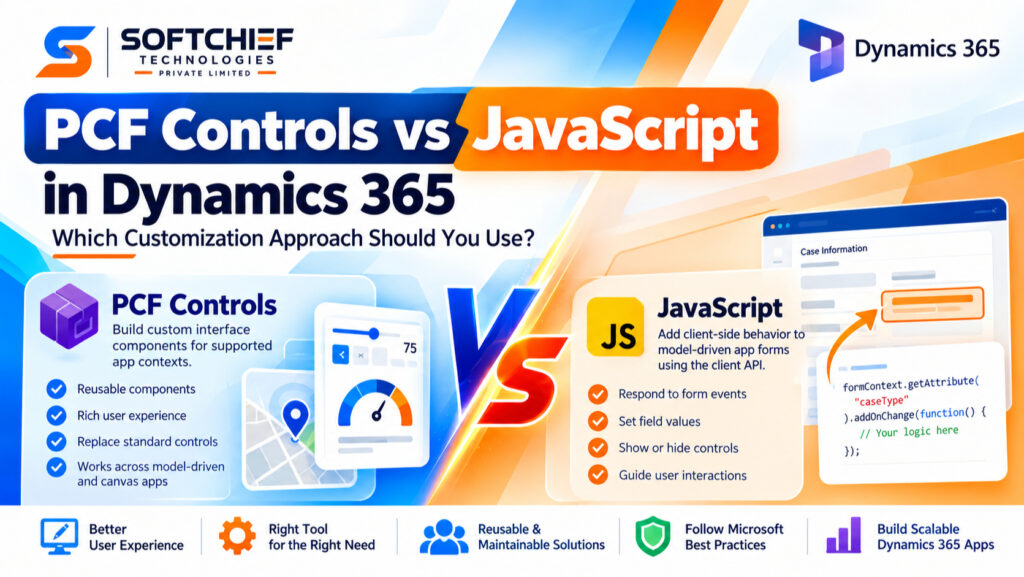
JavaScript plays a critical role in Microsoft Dataverse and Dynamics 365 Customer Engagement (CE) applications. While Power Automate and Business Rules help automate processes, JavaScript remains essential for realtime client-side customization and enhanced user experience. Using JavaScript in Model-Driven Apps allows developers to: In this blog, we’ll explore 20 of the most commonly used JavaScript…
Read more

14 Most Used Realtime Business Use Cases for Plugin Scenario-Based Snippets in Dataverse & Dynamics 365

Plugins in Microsoft Dataverse and Dynamics 365 are one of the most powerful ways to implement realtime business logic. They allow developers to intercept operations such as Create, Update, Delete, Assign, Associate, and more. In enterprise applications, plugins are commonly used to: This blog covers 14 highly used realtime plugin scenarios with practical business examples…
Read more

Ultimate Interview QA for Dynamics 365 and Power Platform

NOTE : This downloaded document is Password Protected. Contact the Author using this WhatsApp Link to get Password.

Dynamics 365 CE and Power Platform Developer Syllabus

Extensive & Advanced Syllabus for Power Platform & Dynamics 365 CE If you want to become an expert in Microsoft Power Platform and Dynamics 365 CE development, a structured roadmap is essential. This 100+ Hours (90 Days) advanced training program designed by Microsoft MVP and MCT Sanjay Prakash & Team covers everything from Dataverse fundamentals…
Read more

Promises in JavaScript – Clear Understanding with Demo

If you’ve ever worked with JavaScript and asynchronous operations, you’ve probably come across Promises. They can seem confusing at first — but once you understand how they work, they become a powerful tool in your async coding toolkit. Watch video below or scroll to read. In this blog, we’ll break down what a Promise is,…
Read more

How to Validate Field value changes in an Editable Subgrid Using OnSave in Dataverse Model-Driven Apps

Editable subgrids in model-driven apps allow users to quickly update related records inline — making data entry more efficient. But what if you want to validate business rules like ensuring a start date isn’t in the past, or an end date is not before the start date? In this blog, we’ll explore how to use…
Read more

[Resolved] Unable to connect to a required endpoint. Power Platform now relies on a new cloud service dependency called Power Platform API. If you have conditional access policies or firewall rules, they may need to be updated to allow access to the necessary URLs. Please ensure the following domain is not blocked: *.api.powerplatform.com

ERROR: Unable to connect to a required endpoint. Power Platform now relies on a new cloud service dependency called Power Platform API. If you have conditional access policies or firewall rules, they may need to be updated to allow access to the necessary URLs. Please ensure the following domain is not blocked: *.api.powerplatform.com SOLUTION: You…
Read more

Get and Set Owner Field Using Xrm.WebApi (Applicable to any Lookup Fields)

In your Project requirement, you may need to fetch Owner lookup field or any custom or out-of-the-box lookup fields using JavaScript XRM WEB API in Dataverse. Its not straight forward to retrieve lookup fields so you need to follow some steps. dont use directly the logical name rather use : _<lookupfieldlogicalname>_value For Example if your…
Read more

Implementing Dynamics Dropdown Filtering in Canvas APP

Cascading dropdowns allow users to select values in a hierarchy. For example, when a user selects a Country, the State dropdown is filtered to show only states in that country. Similarly, selecting a State filters the City dropdown to show only cities within that state. Step-by-step guide : Watch the Video or scroll to read…
Read more

How to Set a Lookup Field Value in Power Automate with Dataverse Connector

In Power Automate, working with Dataverse often involves updating records with related data. A common scenario is setting a lookup field value, which creates a relationship between two records. In this blog post, we’ll walk through the steps to set a lookup field value in Power Automate using Dataverse. Sometimes also if you have not…
Read more

Top 15 Free Web APIs for Developers to Use for Testing Purposes with Sample Code in jQuery

1. JSONPlaceholder URL: JSONPlaceholder Description: JSONPlaceholder is a free fake online REST API that you can use for testing and prototyping. It provides a variety of endpoints for posts, comments, albums, photos, users, and more. Get all request and response HERE. Use Cases: Sample Code Request Response 2. Reqres URL: Reqres Description: Reqres is a…
Read more

14 Most used realtime business use case for Plugin scenario based snippets in Dataverse/ Dynamics 365

Here is a list of sample Plugin Scenarios we mostly use in real live projects 1. Automatically generate a unique account number when a new account is created. Scenario: Automatically generate a unique account number when a new account is created. Explanation: This plugin triggers on the creation of a new account and assigns a…
Read more

Interview Questions and Answers Dynamics 365 CE and Power Platform – Ultimate Guide

Dynamics 365 Customer Engagement (CE) and the Power Platform are two powerful tools from Microsoft that are revolutionizing business operations. With a growing demand for professionals skilled in these technologies, it’s crucial to be well-prepared for job interviews. This ultimate guide covers key interview questions and answers to help you ace your Dynamics 365 CE…
Read more

Send basic in-app notifications using Javascript in Model Driven App Dataverse

The Final Result will be given below. Watch video here or scroll down to read the article. Step : 1 – Enable the Model Driven App Feature First of all, you need to enable in-app Notification feature for your model driven app using Settings option in editing mode of your model driven app and Save…
Read more

Show/Hide Command Button depending on current user security Role Code Snippet without network call request

Here is a code snippet by which you can show/hide command buttons by checking Current user Security Role in background or Async way. This way it is now free to interact with the page while the request is performing background job getting data.  No more freezing of the user interface while the page is loading! The…
Read more

Sample Synchronus & Asynchronous Codes For Dataverse Model Driven App to Enable/Disable Command Bar Button in Model Driven App Power Apps

Lets take a scenario on Command Button Enable Rule. Here is a Synchronus code. Here is the Asynchronus relevant code for above using Promises. before using this make sure to enablke the feature for your Model driven app for Async OnSave, Async OnLoad. Here we ae wrapping the request handlers in a Promise and resolving…
Read more

Async OnLoad and Async OnSave Feature Walkthrough with Demo in Model Driven App Power Apps Dataverse

In the ever-evolving world of web development, optimizing performance is crucial. One key strategy to achieve this is transitioning from synchronous to asynchronous requests in your model-driven applications. This approach not only enhances responsiveness but also provides a smoother user experience. In this blog, we’ll explore why this transition is beneficial and provide a practical…
Read more

Mobile Offline Access Model Driven Apps – practical Configuration

Creating offline access for Model-Driven Apps in Power Apps is essential for ensuring your users can continue their work even when they are not connected to the internet. Here’s a practical guide on configuring your Model-Driven Apps for offline use: Watch the below video or scroll to read the article. Step-by-Step Guide to Configure Offline…
Read more

Change Tracking Entities – Concept and Understanding in Dataverse

In the dynamic world of business applications, managing and monitoring data changes efficiently is crucial. Microsoft Dataverse, a key component of the Power Platform, offers robust capabilities to track changes in data entities. This feature, known as Change Tracking, is indispensable for ensuring data integrity, facilitating integration with external systems, and optimizing performance. In this…
Read more

20 Most commonly used JavaScript Scenarios with Sample code Snippet in Form Script Dataverse/ Dynamics 365 CE

JavaScript is a powerful tool when working with Dataverse (formerly known as Common Data Service) and Dynamics 365 Customer Engagement (CE). It allows developers to create custom functionalities, validate data, and enhance user interactions. Below, we’ll explore some of the most commonly used JavaScript scenarios with sample code snippets to help you get started. For…
Read more

Decrement field value automatically using workflow in dataverse or dynamics 365

In Dataverse (formerly known as Common Data Service) or Dynamics 365, you can decrement a field value automatically using workflows. Here’s a general outline of how you can achieve this using a workflow: Here’s a more detailed step: This operator selection can be extended to use Decrement By, Increment By, Set TO and Multiply by…
Read more