
Dynamics 365 Finance and Operations Operating Units: Build a Clear Internal Structure
Introduction
One legally registered company may contain finance, HR, IT, sales, cost centers, business divisions, and support teams. Dynamics 365 Finance and Operations operating units help you organize these internal areas without creating a new company record for each one.
Legal entities and operating units have different jobs. A legal entity is the company recognized by law, while an operating unit shows how that company is organized and managed internally.
The right structure supports clearer reporting, access control, management ownership, and business processes. This guide explains when to create an operating unit, how it relates to a legal entity and organizational hierarchy, which operating unit types are available, and how to create one in Finance and Operations.
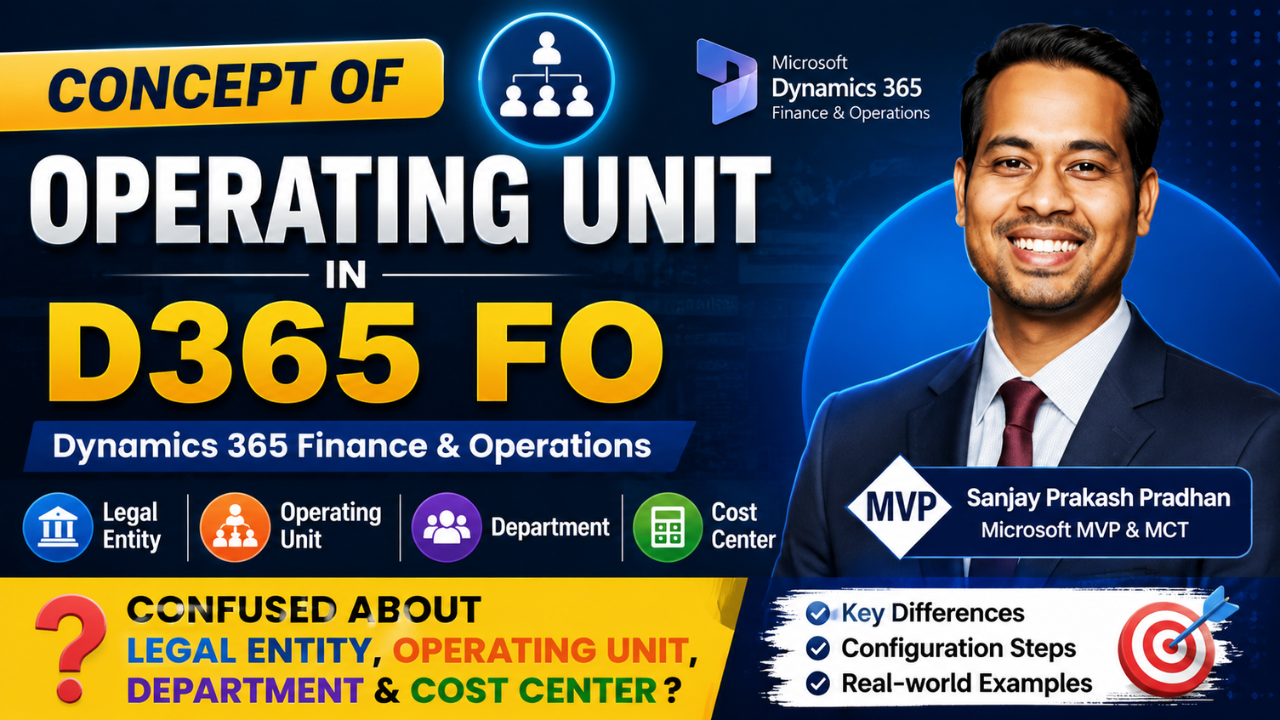
Watch the Full Video. Want to understand Operating Units in Dynamics 365 Finance & Operations with practical examples?
How Dynamics 365 Finance and Operations operating units support internal responsibilities
An operating unit gives your business a way to divide work inside a legal entity. It helps show who owns an activity, which reports should include it, and which users need access.
Define an operating unit in Dynamics 365 Finance and Operations
An operating unit is an organizational unit that shows how a business works internally. It can describe a department, cost center, business unit, value stream, or team.
You create an operating unit when a part of the business needs separate responsibility. That separation may affect management, reporting, security, or business processes. For example, an IT group may need its own manager, cost reports, and access rules.
An operating unit should have a clear business purpose. Avoid creating one for every small team unless the team needs a separate structure in reporting, security, or process control.
Identify when a business needs multiple operating units
One legal entity may contain multiple operating units. This one-to-many relationship lets a company divide internal work while keeping its legal and financial identity in one place.
Create separate units when managers need ownership over different activities. You may also need them when reports must filter results by business area, users require different security access, or teams follow different processes.
Before creating a unit, write down the reason for it. Record the responsibility, report, security rule, or process difference that supports the design. This step prevents unnecessary records and makes future maintenance easier.
Connect operating units to an organizational hierarchy
Operating units form part of an organizational hierarchy in Dynamics 365 Finance and Operations. The hierarchy places units in relationships that match the way the business is managed.
For example, a company might place an IT department and a finance department under a shared corporate operations group. A hierarchy can also show parent-child management relationships or group units for reporting and security.
Creating the operating unit record is only one part of the work. You often need to place it in the right organizational hierarchy so the structure can support governance, reporting, and access decisions.
Understand legal entity vs operating unit
Many implementation errors begin with confusion between legal entities, operating units, departments, and cost centers. Each term describes a different part of the organization model.
Understand the role of a legal entity
A legal entity is a legally registered company with legal and financial duties. It may issue invoices, hold contracts, pay taxes, own assets, and prepare statutory accounts.
For example, Soft Chief India Private Limited would be a legal entity if it is the registered company conducting business. Regulators, customers, suppliers, and banks recognize that company as a formal business.
You should not create a legal entity only to show an internal department or team. A new legal entity requires a genuine legal, financial, tax, or regulatory reason.
Compare a legal entity with an operating unit
The difference between a legal entity and an operating unit is central to organization design:
- A legal entity is the company’s legal and financial identity.
- An operating unit is an internal part of that company.
One legal entity can have several operating units. For example, Soft Chief India Private Limited might have a training function and a consulting function. Those functions could use separate operating units if they have different managers, reports, security rules, or processes.
Use a separate legal entity only when the business needs legal or statutory separation. Use an operating unit for internal separation within the same company.
Explain how departments fit into the model
A department is an organizational area responsible for certain activities. Common examples include finance, human resources, information technology, sales, services, customer care, and administration.
A department can also be an operating unit type in Dynamics 365 Finance and Operations. This means the word may describe both a business concept and a record type in the application.
A department should become an operating unit when it needs separate responsibility, reporting, security, or process management. If none of these needs exist, a department may not require its own operating unit record.
Choose from the main operating unit types
The best operating unit type depends on how your business assigns work and measures performance. There is no single structure that fits every company.
Use departments for functional responsibility
Department-type operating units suit functional areas such as finance, HR, IT, sales, services, and customer care. Each unit can have an owner and a clear set of activities.
This structure helps managers review work by function and supports internal reports. It can also help define which users need access to records or processes connected with that department.
Use names that remain clear in reports and hierarchy views. A name such as “IT – India” may be more useful than “Department 01” when the business has several locations.
Use cost centers to track spending
A cost center is an organizational area used to track costs. Marketing and IT cost centers are common examples.
Cost centers help the business see where money is spent and who is accountable for that spending. They should follow the company’s cost reporting needs rather than mirror every informal team.
Assign an owner before creating each cost center. The owner should review expenses and explain variances. This small design step improves accountability after go-live.
Use business units, value streams, and teams
A business unit is a division of the business. Examples include retail, manufacturing, wholesale, or a business area based on geography.
Value streams provide another way to group work around how the business delivers value. Teams, such as sales or support teams, may also be operating units when they need their own management, reports, or processes.
Choose the type that matches the business decision behind the structure. The type should describe a real operating need, not an arbitrary label.
Create an operating unit in Finance and Operations
The setup process begins in Organization administration. Menu names can vary slightly by application version and system configuration.
Open the operating unit configuration area
Sign in to Dynamics 365 Finance and Operations and open Modules. Go to Organization administration, open Organizations, and select Operating units.
Some environments also provide access through Organization administration > Organizations > Organizational hierarchies. Check the target legal entity, your security access, and the correct configuration environment before changing the organization model.
Create the operating unit record
Select New, then choose the operating unit type. For example, select Department and enter IT Department as the name.
If your organization uses identifiers, enter the required number or code. The type and name should match the business purpose documented during design.
Clear names matter. Users will see them in reports, security rules, searches, and hierarchy views. Avoid short codes that only one project team understands.
Add general, manager, address, and contact details
Complete the main fields for the operating unit. These may include the name, short name, type, number, and hierarchy-related information.
You can assign a manager by searching for and selecting a user. Add an address by choosing an existing address from address management or creating a new one. Contact information can also be added before saving the record.
Check these details carefully. The manager, address, and contact data may support ownership and later business processes.
Place operating units into an organizational hierarchy
A standalone operating unit record does not always show how the business is governed. An organizational hierarchy connects units and gives the structure a usable business context.
Add the unit to the correct hierarchy
Place the new unit in the hierarchy that supports its purpose. One hierarchy may focus on operational management, while another may support reporting or security.
Document why each hierarchy exists. Multiple overlapping hierarchies can cause confusion when users do not know which structure applies to a process or report.
View the operating unit in hierarchy format
Return to the operating unit list and search for the new record. Open the record and select View in hierarchy, or use the equivalent hierarchy option in your version.
The hierarchy view lets you check the unit’s parent and child relationships. Confirm that the unit sits under the correct group before users rely on it for reporting or access decisions.
Validate the structure before use
Review the legal entity association, operating unit type, name, identifier, manager, address, contact details, and hierarchy placement. Also check the reporting and security effects.
Test the structure in a nonproduction environment first. Finance, HR, security, and process owners should review it before deployment.
Conclusion
A legal entity is a registered company with legal and financial responsibilities. An operating unit is an internal structure used to organize responsibility, reporting, security, and processes.
Departments, cost centers, business units, value streams, and teams can all fit into an operating unit model. One legal entity may contain several operating units, but each unit should have a clear business reason.
Map the legal entity, operating units, and organizational hierarchy before configuring records. Then select the right type, create the unit, add ownership and contact details, and place it in the correct hierarchy. This approach helps Dynamics 365 Finance and Operations match the way your business works while keeping legal and internal structures separate.









