Bhubaneswar, Odisha, India
+91-8328865778
support@softchief.com

Blog

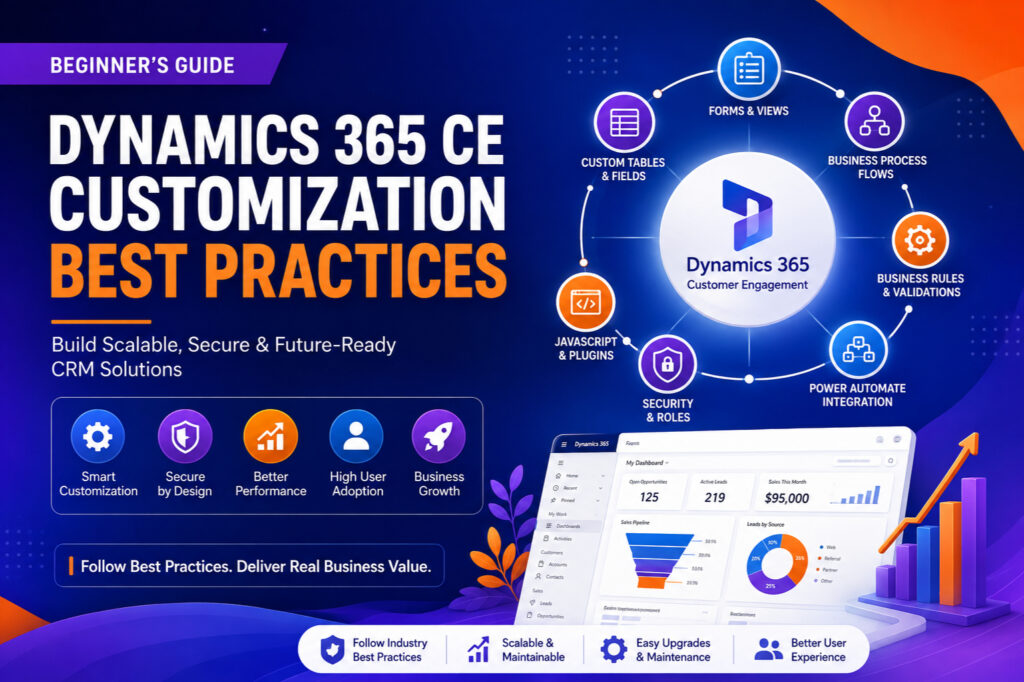
20 Most commonly used JavaScript Scenarios with Sample code Snippet in Form Script Dataverse/ Dynamics 365 CE

JavaScript is a powerful tool when working with Dataverse (formerly known as Common Data Service) and Dynamics 365 Customer Engagement (CE). It allows developers to create custom functionalities, validate data, and enhance user interactions. Below, we’ll explore some of the most commonly used JavaScript scenarios with sample code snippets to help you get started. For…
Read more

Async Save Feature+ Xrm.WebAPI+ Prevent Save – Conditionally restrict save for xrm webapi retrievemultiple call on save event Dataverse/ Dynamics 365

In this blog post, we’ll walk through an asynchronous JavaScript function restrictAppointments_OnSave_Async with Xrm.WebAPI.ReatrieveMultipleRecord that accomplishes this by restricting the number of appointments a patient can have with the same doctor on the same day in a Dynamics 365 environment. Problem Statement The goal is to prevent a patient from booking more than two appointments…
Read more

Elastic Table in Dataverse Power Apps – Understanding

In today’s dynamic business environment, the ability to adapt quickly to changing data requirements is crucial for building robust applications. Dataverse for Power Apps offers a powerful solution for creating flexible data models through the concept of elastic tables. In this comprehensive guide, we’ll explore the elastic table concept in Dataverse and provide sample code…
Read more

Decrement field value automatically using workflow in dataverse or dynamics 365

In Dataverse (formerly known as Common Data Service) or Dynamics 365, you can decrement a field value automatically using workflows. Here’s a general outline of how you can achieve this using a workflow: Here’s a more detailed step: This operator selection can be extended to use Decrement By, Increment By, Set TO and Multiply by…
Read more

Using Pipeline (Deployment) in Power Apps Solution

In today’s fast-paced digital landscape, rapid and reliable deployment of applications is crucial for maintaining a competitive edge. Power Apps, Microsoft’s low-code development platform, offers a robust deployment pipeline feature that streamlines the process of deploying apps and updates across environments. In this blog post, we will explore what a deployment pipeline is, its benefits,…
Read more

Solution Dependency in Power Apps Solution Mangement

Power Apps is Microsoft’s suite of apps, services, connectors, and data platform that provides a rapid application development environment. One of the key features that make Power Apps powerful is its ability to manage and deploy solutions across different environments efficiently. When working with multiple components or customizations within Power Apps, understanding solution dependency becomes…
Read more

Encode URI and Decode URI in Power Automate

Follow the steps below to encode URI for strings and decode URI. Step 1 – Create a Flow Step 2 – Add parameter Step 3 – Add a compose step and use expression encodeUriComponent. Step 4 – Add another parameter as sample url Step 5 – Add a compose and use decode URI Now save…
Read more

Complete Integration Strategy (Dataverse & Third Parties)

In this post, you will come to know how to integrate third parties with Dataverse using different scenarios. This section will explain how you can use no code way to integrate third party apps from Dataverse. You can use below No-code Less-code way of integration. Dataverse Integration with Microsoft 365 Native Apps. For Native apps…
Read more

All Power Automate Expressions with Example

Here is the list of all power automate expressions and formula. Hope it helps.

Open View as Dialog using command button and send update data from Dialog view using command button navigateTO

Step 1 : open a view as dialog from subgrid command use below code on command button on form. Step 2 : Call script on home grid command button on the dialog entity view use below code. Hope this helps.

HTML Web Resource – Add on Form as control and pass data from Form to HTML and back to Form

Here you will come to how to Add HTML web resource on Form as control and pass data from Form to HTML and back to Form. Step 1 : Create a HTML Web resource and add the web resource on Form use below code for HTMl Web resource Step 2 : Call form load script…
Read more

HTML Web Resource – Open as Dialog using NavigateTo and pass data from Form to HTML and back to Form

In this post you can understand how to open a html web resource as a dialog using NavigateTo client API and pass data between HTML and FORM. Step 1 : Create a HTMl Web Resource and Add the Web resource on Form. Use below code for HTML Web resource. Step 2 : Add script on…
Read more

How to get job after completing MCA, BTech, BE, MTech, BSc, +2, +3

I am writing this post to help many candidates out there, who are either persuing MCA, BTech or completed the degree and searching for jobs or trying to find out the job scope. This question, How to get a job after MCA/BTech/MTech? is a very crucial question which comes by default to mind when we…
Read more

System Jobs in Dataverse/ Dynamics 365 Status Information

Here is a list of status information you can refer for better understanding System Jobs. In Dynamics 365, a system job refers to background processes or tasks that are executed by the system to perform various operations within the application. These jobs are typically initiated by the system itself or by users through configurations such…
Read more

[Sample Code] Set Lookup View dynamically in Dynamics 365 or Power Apps Model driven app form

Here is a sample code you can use to dynamically set the lookup view conditionally in Dynamics 365 or Model driven power apps. Remember to pass execution context from FORM to JS. Hope this helps.

Understanding Scope in Business Rule in Dynamics 365 or Dataverse

In Dynamics 365/ Dataverse, business rules are used to apply logic and automation to form fields and data within the system. The scope of a business rule refers to the extent to which the rule applies within the Dynamics 365 or Dataverse environment. There are three main aspects to consider regarding the scope of a…
Read more

Top 20 Best Practices in Dynamics 365 & Power Platform while working with plugins, custom workflows, javscript, web resources

Here you will find some important best Practices you can folow while working with Power Paltform and Dynamics 365 Apps. All these Best Practices are recommended by Microsoft for better solution management and performance. Sl No. Description 1 Avoid duplicate Dataverse plug-in registrations.Duplicate plug-in step registration will cause the plug-in to fire multiple times on…
Read more

Open an entity view in javascript power apps model driven app

Below code can be used to Open an entity view in javascript power apps model driven app. Hope this helps.

Open an existing entity record within a dialog box in model driven app power Apps

The below code can be used to Open an existing entity record within a dialog box in model driven app power Apps. hope it helps.

Open an entity form in the create mode within a dialog box pop-up in model driven app power apps javascript

The below code will be used to Open an entity form in the create mode within a dialog box pop-up. Hope it helps.

Open an HTML web resource in a dialog pop-up box

Here is a sample code to Open an HTML web resource in a dialog. Hope it helps.

How to redirect view when record deleted in javaScript in Power Apps

Here is the cide. You have to use NavigateTo API.

Navigation Property for Lookup Field in Xrm.WebAPI Create – How to use

In this below blog, you will come to know how to use assign value to single lookup field and polymorphic lookup field while passing data in Xrm.WebAPI request in Javascript for Dataverse Power Apps Single Entity Lookup If you want to assign value of a lookup field which is associated with a single entity then…
Read more

Exporting and Importing Solutions in Power Apps: A Comprehensive Guide

Introduction Power Apps solutions are a powerful tool for managing and deploying customizations. Solutions bundle components like entities, fields, views, charts, flows, and canvas apps into a single package, making it convenient to move them from one environment to another. Power Apps offers a robust solution framework that allows developers and administrators to package and…
Read more

ConfirmDialog in Power Apps using JavaScript

Using below code you can shoe a confirmation box using JavaScript which will display OK and Cancel Button. You can write your logic whn cancel button clicked and ok button clicked. Below code calls from On Save and restrict save operation if Cancel is clicked and OK button allowed to save the record. Pass executionContext…
Read more