Debug Model Driven App using Monitor Tool
You can now debug model driven app using monitor tool. Watch the video to know more in practical. Hope this helps.
Here in this post you will know how to send an email with an adaptive card on email body and capture response with HTTP calls with Power Automate. Watch the video below. hope this helps.
In this post you will know how to hide command buttons by checking if a login user is having correct access level on a specific entity with proper privilege. In the below tutorial I have taken loan entity and displayed the demo. Watch the video.
As you know, You can create multiple Business Rules on same entity or table, its important to understand how the business rules are executing in order. Normally the Business Rules executes in order depending on the modified on field value. To check this, Navigate to advanced Find and do the query for Processes table and…
Read more
Here I have explained Set Default Value v/s Set Field Value in Business Rule in Dataverse Power Apps Dynamics 365. watch the video below.
to open dashboard on command button click use below code.
you can open a child table form and prepopulate field in child from parent record, use the below code. Here I am opening student enrollment form in create mode with prepopulate student lookup and other details.
To Open record as popup dialog on command button click using JavaScript DataVerse power apps use below code.
If you want Open Entity List view as popup dialog in power apps data verse using JavaScript using command button then use below code. Here I am opening student view as popup.
Automatically open lookup search screen using Xrm.Utility.lookupobject and assign selected value to lookup field in Power Apps hope it helps.
When you call Create or Update methods using Xrm.WebAPI client objects, you need to take special care while setting value of lookup fields. Follow below method to do this. Step 1 – Identify Navigation Property Name of the Lookup Column Open the METADATA url and search the column. The metadata url is like this https://devboxsoftchief.crm8.dynamics.com/api/data/v9.2/$metadata…
Read more

you can use parallel wait for multiple business use cases. below video explains in details.
You can Use Record URL in Email using Workflow Dynamics 365/ Power Apps so that User can click the link to open the record directly. In workflow, open send email property and in the body select a location and click Insert Hyperlink. In pop up window mention the link title and in URL add dynamic…
Read more

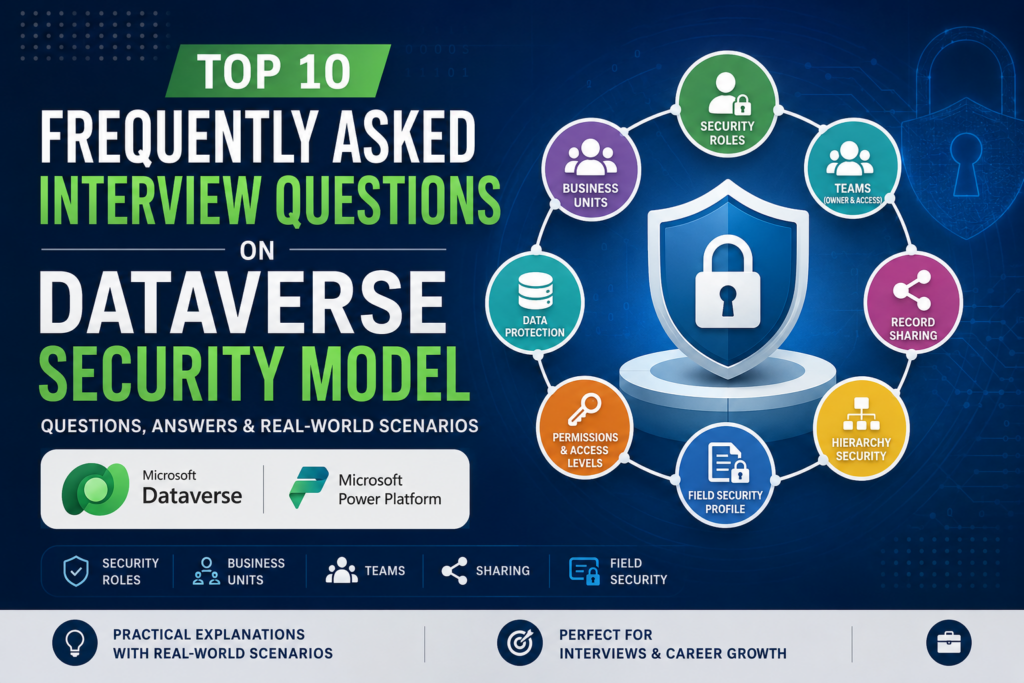
In the below video, I will demonstrate how you can assign security roles to an user from multiple business units.
Step1 – Create JSON Web Template to get Server Data First create a Web Template with JSON response type and get all required server data using Liquid code. Sample code given below. Step2 – Create a Page Template and call the Web Template Create a new Page Template and use the created Web Template without…
Read more

Learn how to handle time zone issues in date time fields with Power Automate.
Different in hours between two date time fields in Power Automate. Use below Expression. div(sub(ticks(body(‘Convert_time_zone_2’)),ticks(body(‘Convert_time_zone’))),36000000000)
You can use below CSS to change styles of an Entity List. Put the below code in the Web Template of the Web Page where you have placed the Entity List. Here We have added Padding, Border, Border-Radius for the Entity List. To know the exact html tag rendering of entity list, use Browser Developer…
Read more

Here are the differences between Business Rule and JavaScript.
use the below code. hope this helps.
Confirm Dialog Box with Custom Button uses PowerFX in Model Driven App. Watch the video below. Hope this helps.